Security Gateway Manual XG-7100
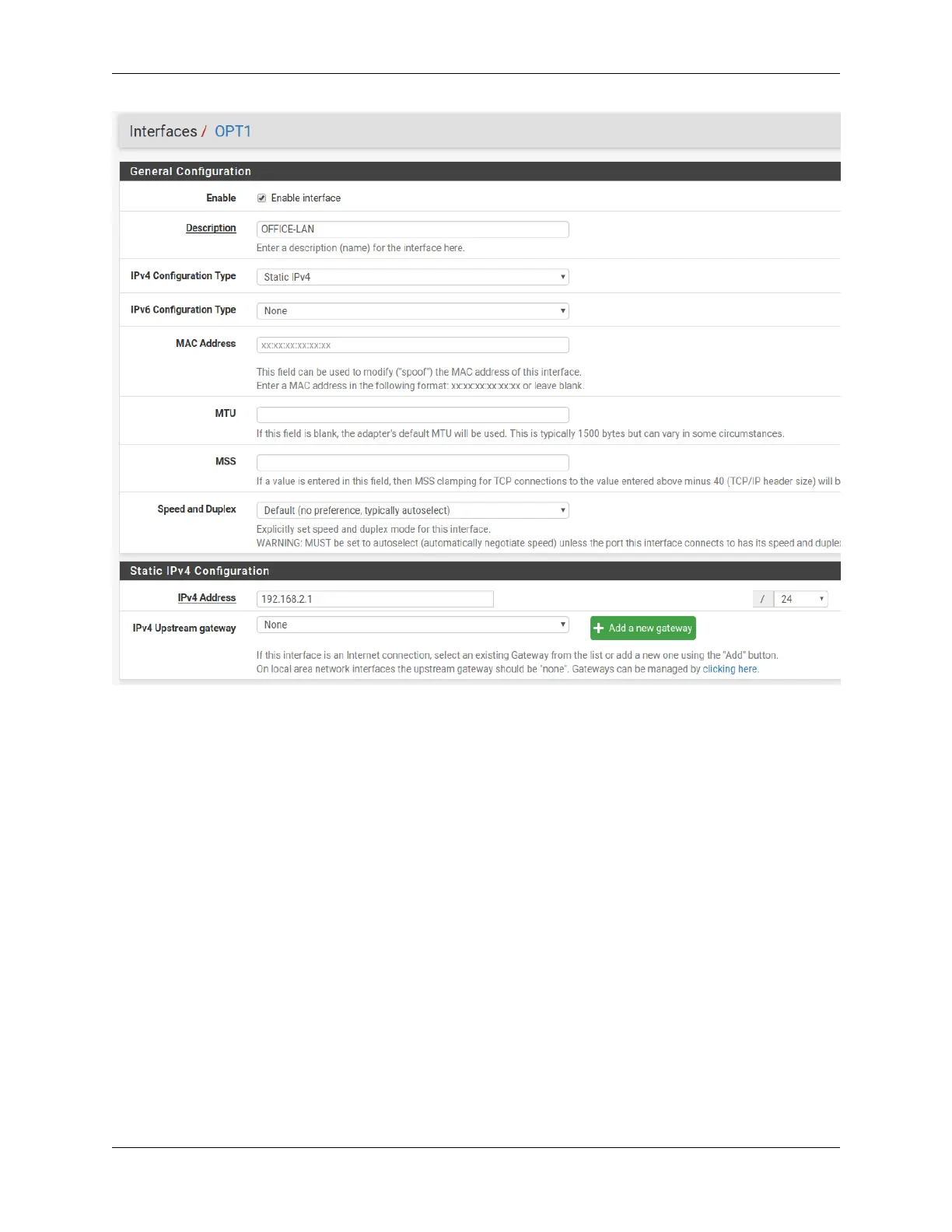
Also create any necessary firewall rules under Firewall > Rules.
Now that pfSense
®
Plus software knows of this new VLAN network, configure the switch so that ETH1-4 all use the
new network. To do this, go to Interfaces > Switches, VLANs tab and click the Add Tag button. Input the VLAN tag
for the new network (same as the VLAN ID configured in the previous steps) and add ETH1-4 and PORT9-10 (uplinks)
as members. Be sure 9 and 10 are marked as tagged:
© Copyright 2024 Rubicon Communications LLC 36



 To Next Page