Security Gateway Manual XG-7100
Note: By default, the M.2 SATA drive will be the first drive recognized by the Netgate® device. pfSense
®
Plus must
be reinstalled on the M.2 SATA drive.
Note: The XG-7100 does not support NVMe drives.
The M.2 SATA slot is located underneath the XG-7100 system board, so the entire board must be removed. The standoff
is for the 2280 (22mm x 80mm) M.2 SATA drive.
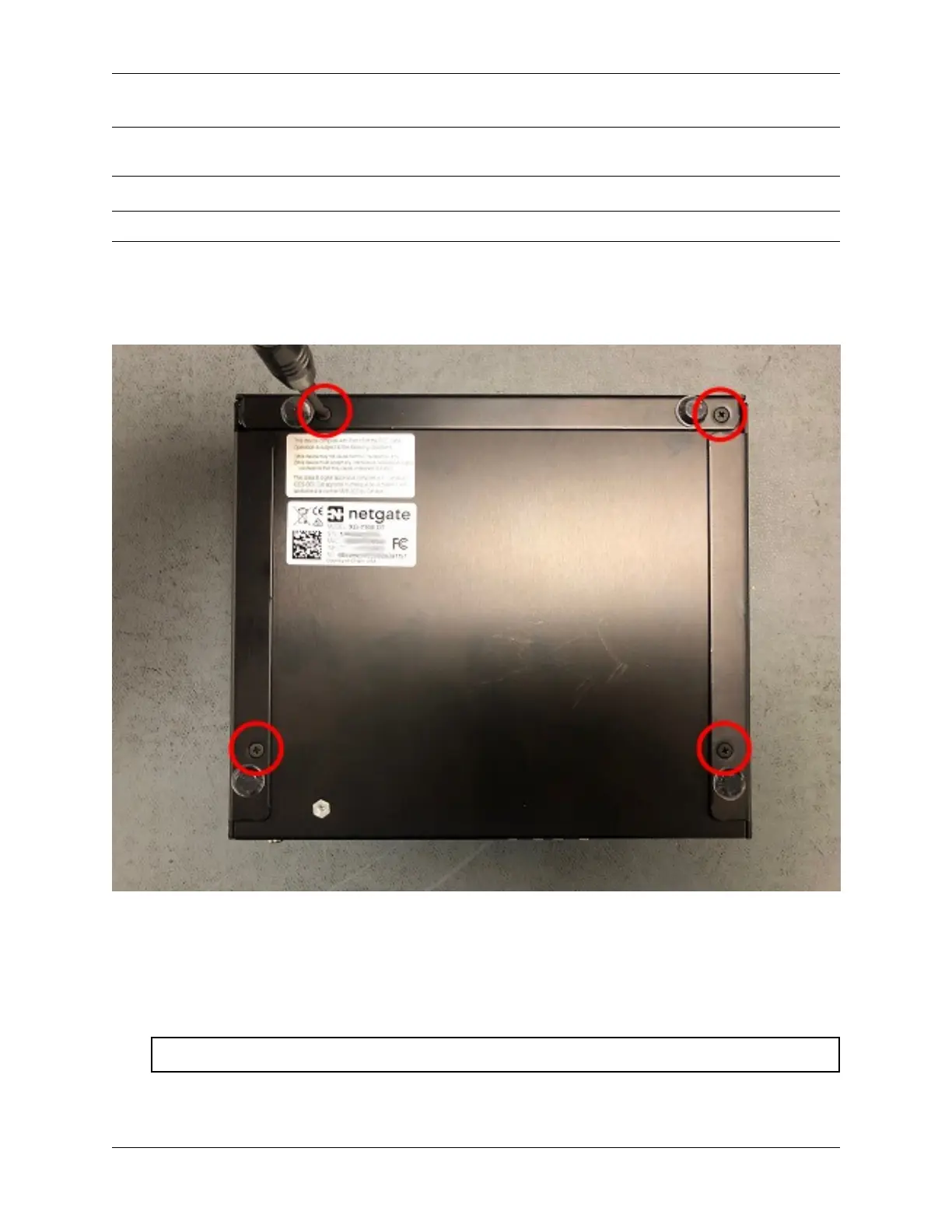
1. Turn the XG-7100 Desktop over and remove the four (4) case screws.
Fig. 10: Case Screws
2. Unplug the Power Supply Connector from the system board, being careful not to flex the board.
3. Unplug the power supply connector and the fan connector from the system board, being careful not to flex the
board.
Warning: Be sure to pull from the connector, not the wires.
4. Remove the four (4) system board screws and gently slide system board away from the front faceplate until the
© Copyright 2024 Rubicon Communications LLC 65



 To Next Page