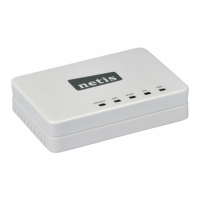
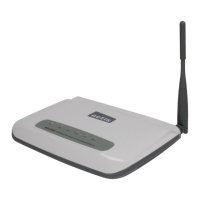
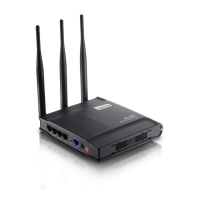
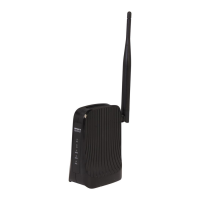
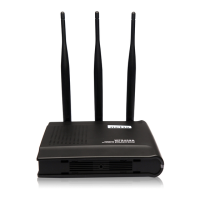
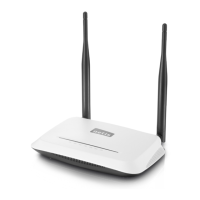
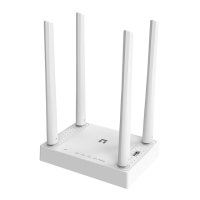
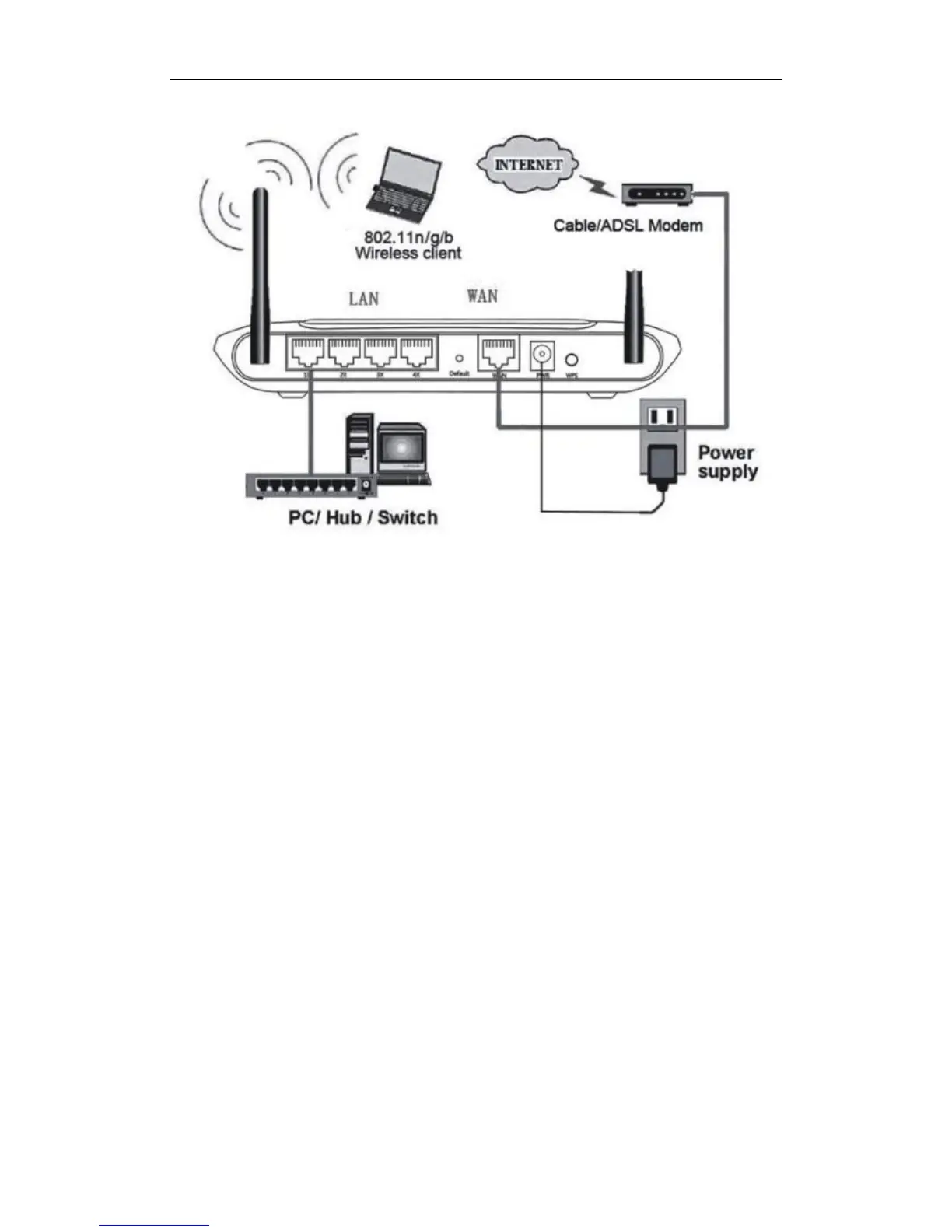
Figure 2-3
Attach one end of an Ethernet cable to your computer’s Ethernet port, and the other end to
one of the LAN ports of your router.
Connect another Ethernet cable from your Cable/DSL modem to the WAN port of your
router.
Connect the single DC output connector of the power adapter to the power jack on the back
of the router and plug the Power Adapter into an AC outlet.



 To Next Page
 Loading...