Preamble Type: "Short Preamble" is suitable for heavy traffic wireless network. "Long
Preamble" provides much communication reliability; the default setting is "Long
Preamble”.
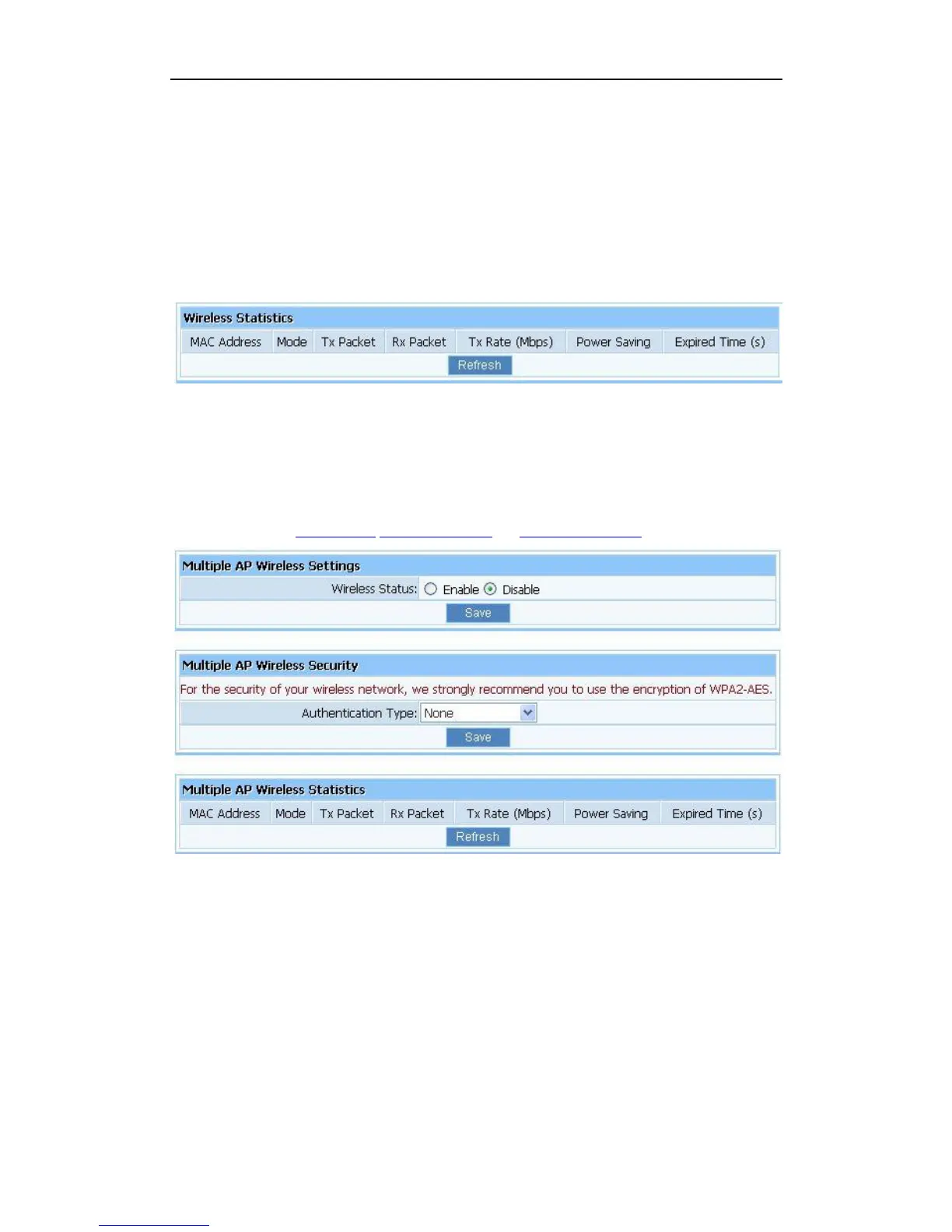
4.5.7. Wireless Statistics
Display current status of the wireless client associate with AP.
Figure 4-37
4.5.8. Multiple AP Settings
The default status of secondary AP is disable, you can select enable to enable the secondary
AP. Please refer to Quick Setup Wireless Security and Wireless Statistics for details.
Figure 4-38


 To Next Page
 Loading...