Figure 3-17
3.1.5. Windows 7
Please follow the steps blow to setup your computer:
1. Go to Start→ Control Panel→ Network and Internet.
2. Click Network and Sharing Center→ Change adapter settings.
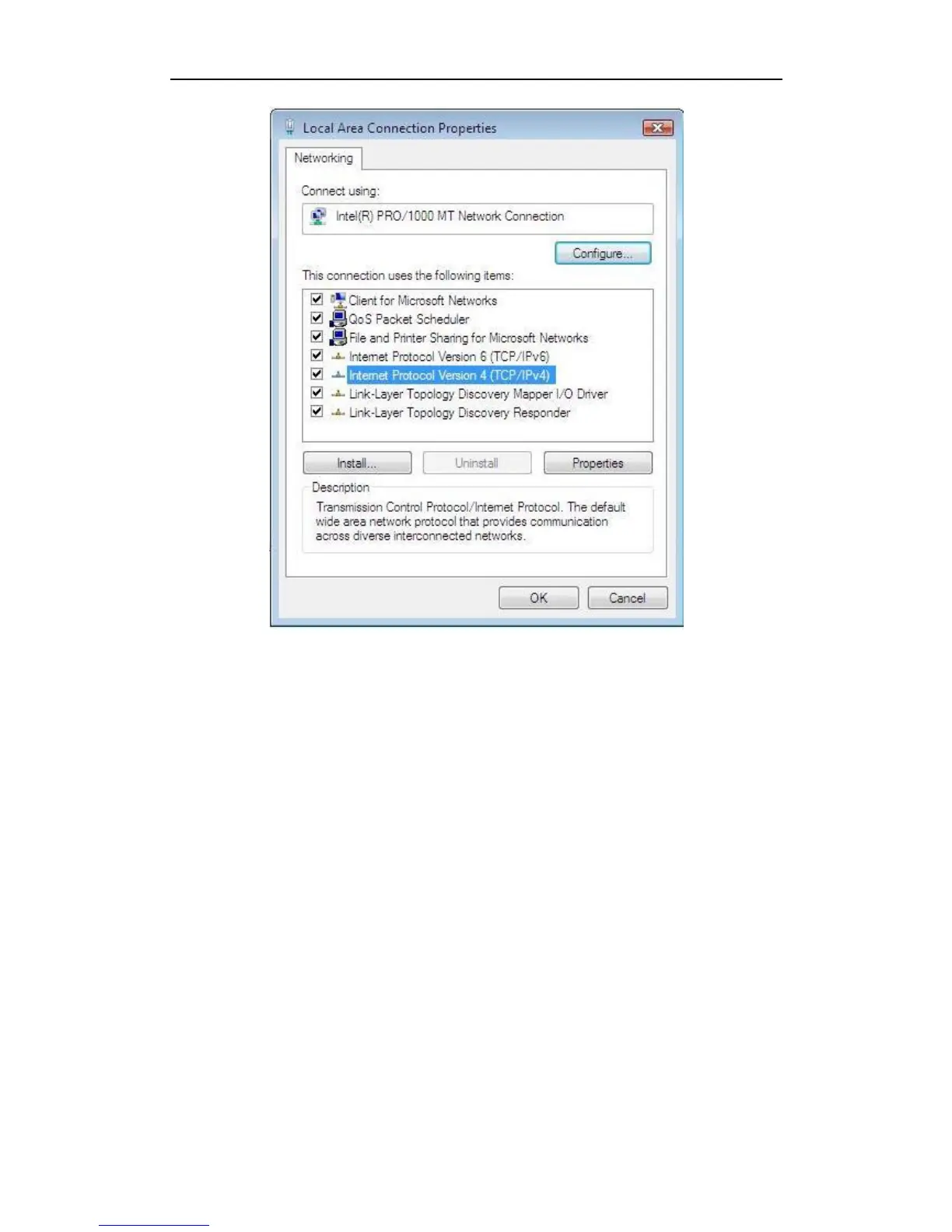
3. Highlight the icon Local Area Connection, right click your mouse, and click Properties.
Highlight Internet Protocol version 4 (TCP/IPv4).


 To Next Page
 Loading...