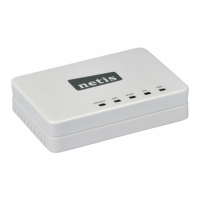
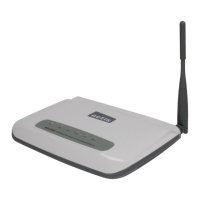
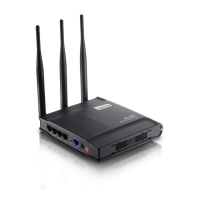
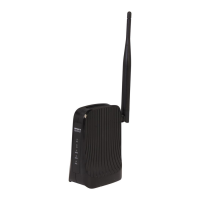
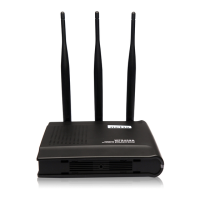
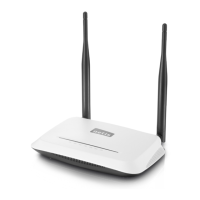
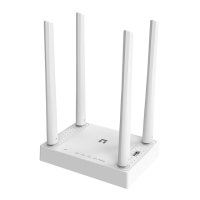
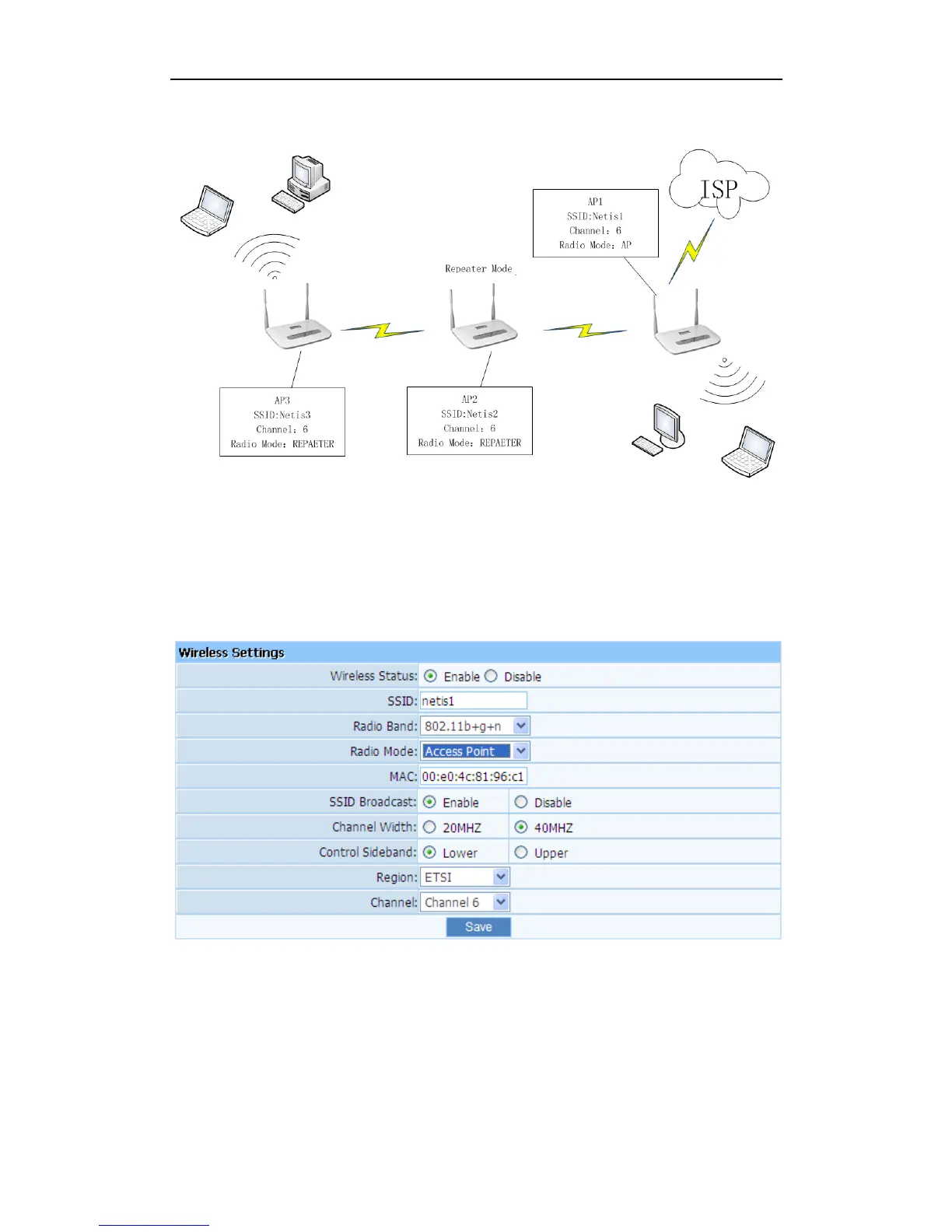
Figure 4-33
AP1:
Select radio mode is ‘Access Point’ in wireless management-basic of AP1.
Select Channel is ‘Channel 6’ in wireless management-basic of AP1.
Figure 4-34
AP2:
Select radio mode is ‘REPEATER’ in wireless management-basic of AP2.
Click ‘AP Scan’ in wireless management-basic of AP2 ,and select ‘Netis1’ and Connect ,
then the ‘Repeater SSID’ and ‘Channel’ become same as AP1.
The IP address of AP2 should be 192.168.1.x (1<x<255,e.g.: x=8).


 To Next Page
 Loading...