6000 Vortex Series General Operation • 21
Modulating the Frequency
You can modulate the laser frequency (wavelength) by using an
externally generated analog signal to modulate the voltage of the
piezoelectric actuator (the piezo directly controls the laser frequency).
To modulate the frequency, connect the line for the input signal to the
Frequency Modulation connector on the back of the Vortex controller.
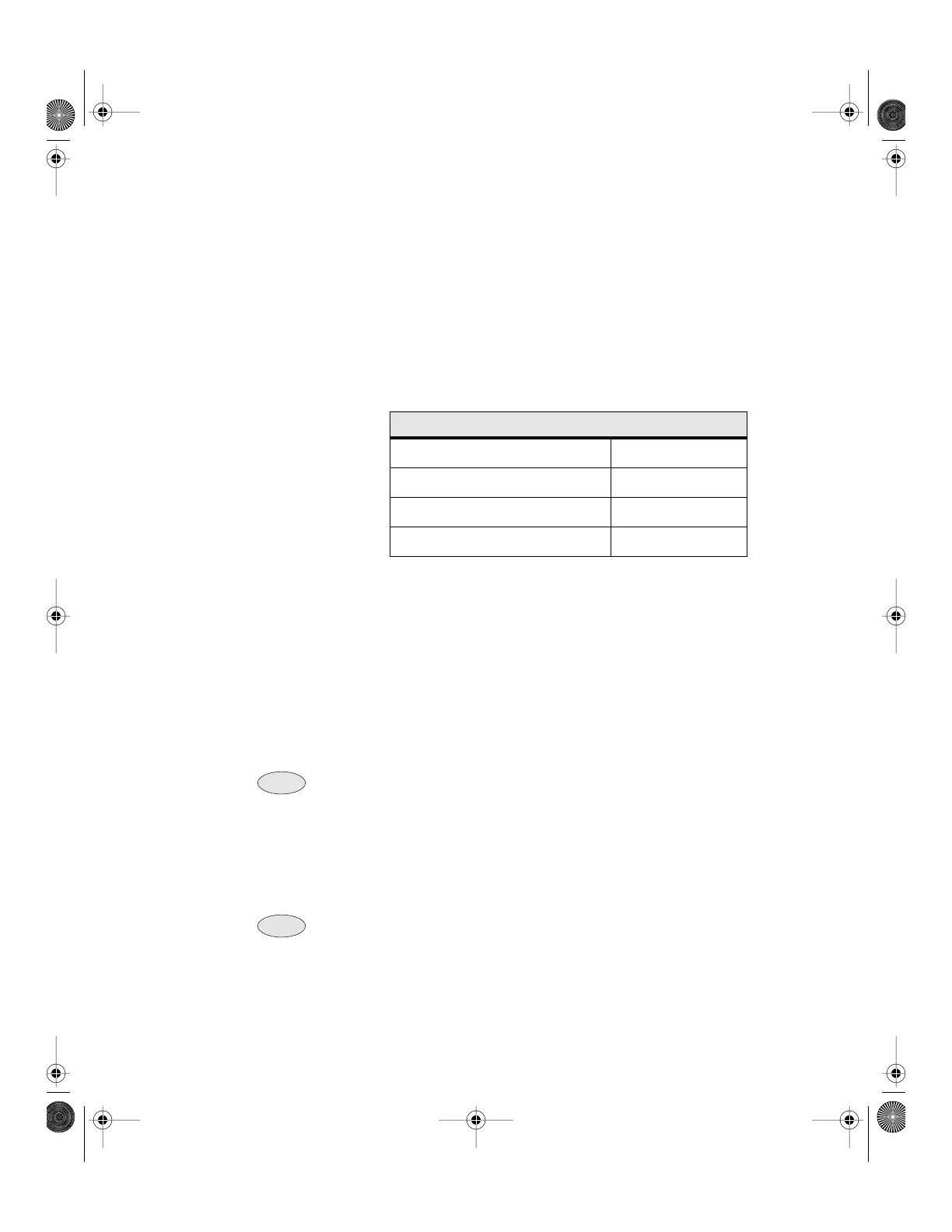
Make sure the signal conforms to the following specifications:
The frequency modulation signal is added to the set DC level for the
piezo (set either through the front panel or by computer control).
Increasing the voltage increases the laser frequency (decreases the
wavelength); decreasing the voltage decreases the frequency.
The total piezo voltage (the DC level plus the frequency modulation
signal) is limited to a range of 0 to 117.5 V. The tuning range is laser
dependent; see the Acceptance Test Data Sheet that accompanied your
laser head for the tuning range specification.
For fine-frequency control, you can modulate the current, since changes in current
will affect the frequency. See “Modulating the Current” on page 22.
Modulating the frequency over the full tuning range
1. Use the Vortex front panel to set the piezo voltage to 59 V.
2. Set the input voltage to a maximum 4.5 V
p-p
(-2.25 V to +2.25 V).
If you used the computer interface to change the gain to “low” (a gain factor of 1),
you will not be able to modulate the frequency over the entire tuning range (for
information on using the computer interface, see “Computer Control” on page 29).
Frequency Modulation Input Guidelines
Connector Type BNC
Max. Voltage ±4.5 V
Input Frequency Range DC–3.5 kHz
Impedance 5 kΩ
Note:
Note:
Note:
Note:
Vortex6000.book Page 21 Tuesday, February 19, 2002 3:25 PM
Artisan Technology Group - Quality Instrumentation ... Guaranteed | (888) 88-SOURCE | www.artisantg.com


 To Next Page