Copyright © 2008 NEXCOM International Co., Ltd. All Rights Reserved.
37
Chapter 4: IEGD Driver Installation
NDiS 161 User Manual
2. Insert the provided CD into a CD-ROM drive.
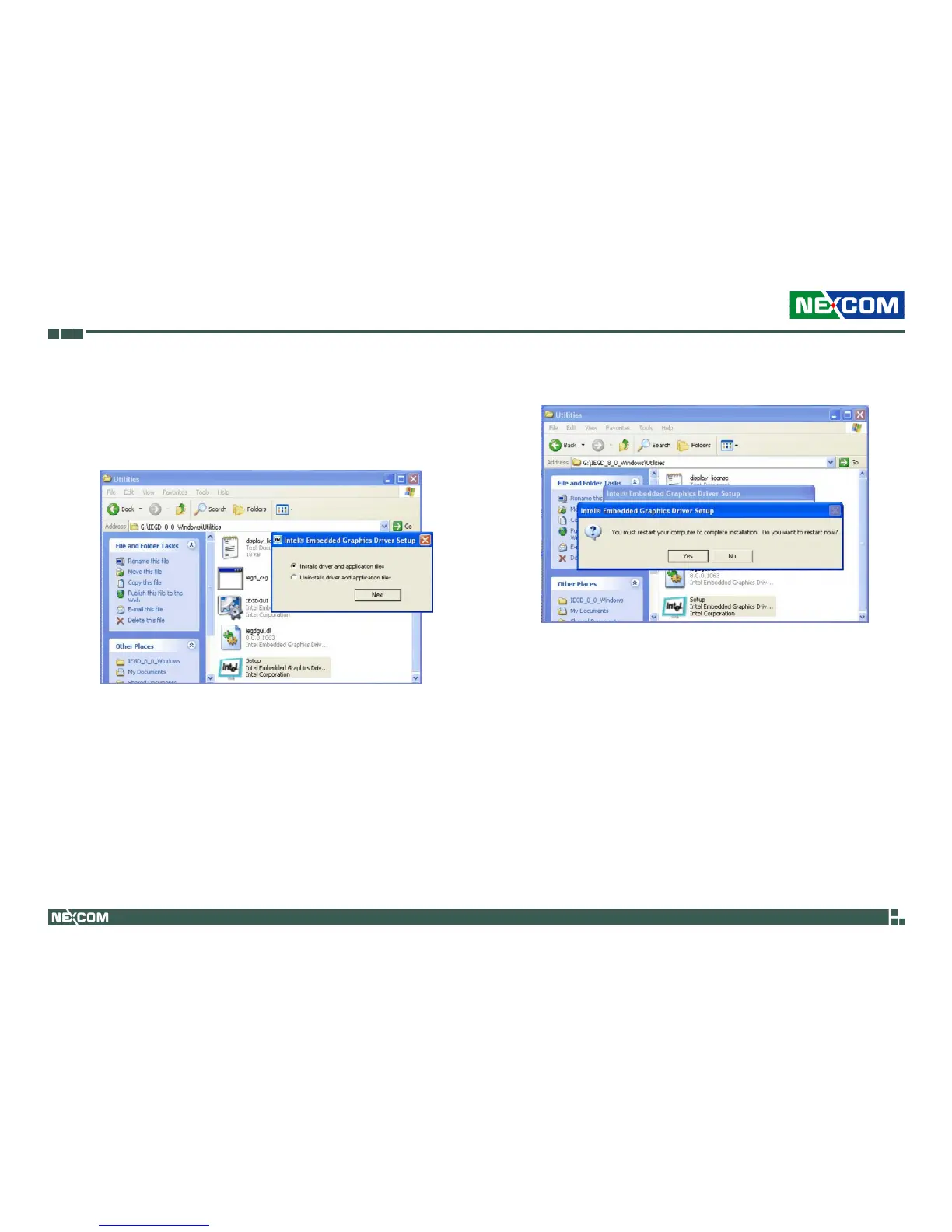
3. In the “VGA\Dual_DVI” folder, double-click the Setup file to install the
driver.
Select “Installs driver and application files” then click Next.
4. After completing installation, click Yes to restart the computer.



 To Next Page