Copyright © 2008 NEXCOM International Co., Ltd. All Rights Reserved.
38
Chapter 4: IEGD Driver Installation
NDiS 161 User Manual
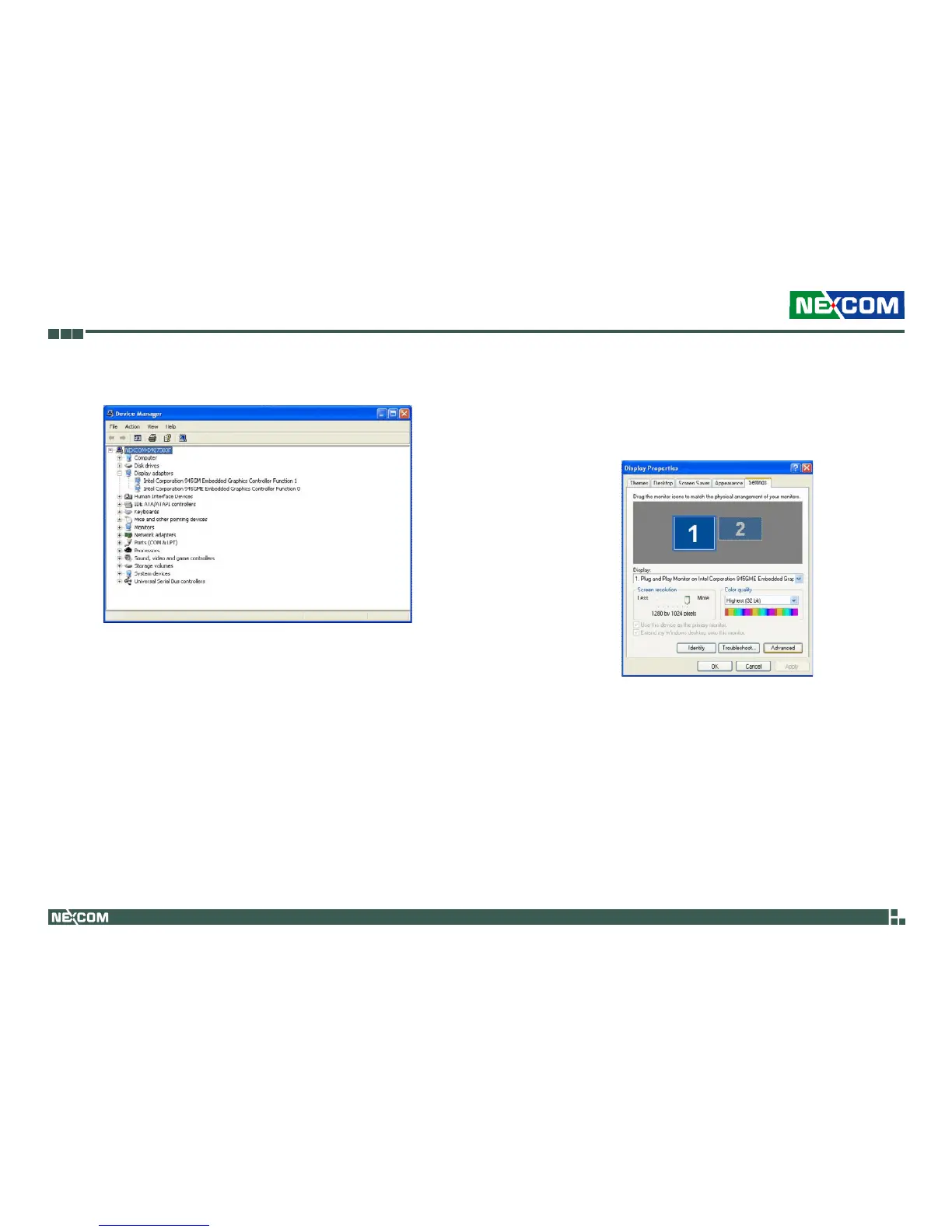
5. Device Manager is now able to detect the dual display graphics device. 6. On your desktop, right-click your mouse then select Properties. You can
also double-click Display in Control Panel.
In the Display Properties dialog box, select the Settings tab then click
Advanced.



 To Next Page