Copyright © 2008 NEXCOM International Co., Ltd. All Rights Reserved.
39
Chapter 4: IEGD Driver Installation
NDiS 161 User Manual
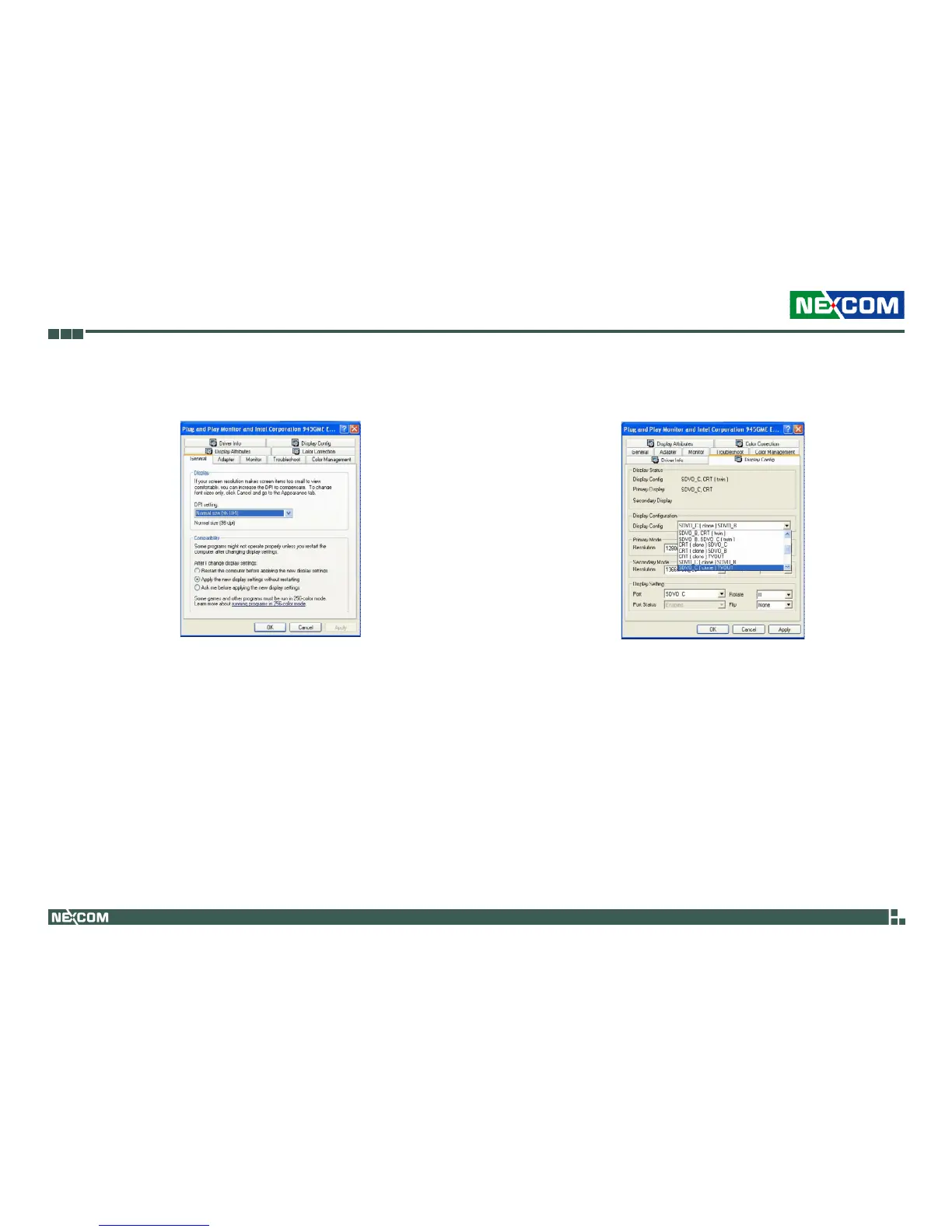
7. In the Plug and Play Monitor and Intel Corporation dialog box, you will
first see the General tab. Select the Display Config tab.
8. Under the Display Configuration section, select SDVO_C (clone) TVOUT
then click OK.



 To Previous Page