Copyright © 2009 NEXCOM International Co., Ltd. All Rights Reserved.
53
NISE 3140, NISE 3140E, NISE 3140P2, NISE 3140P2E User Manual
Chapter 4: BIOS Setup
Standard CMOS Features
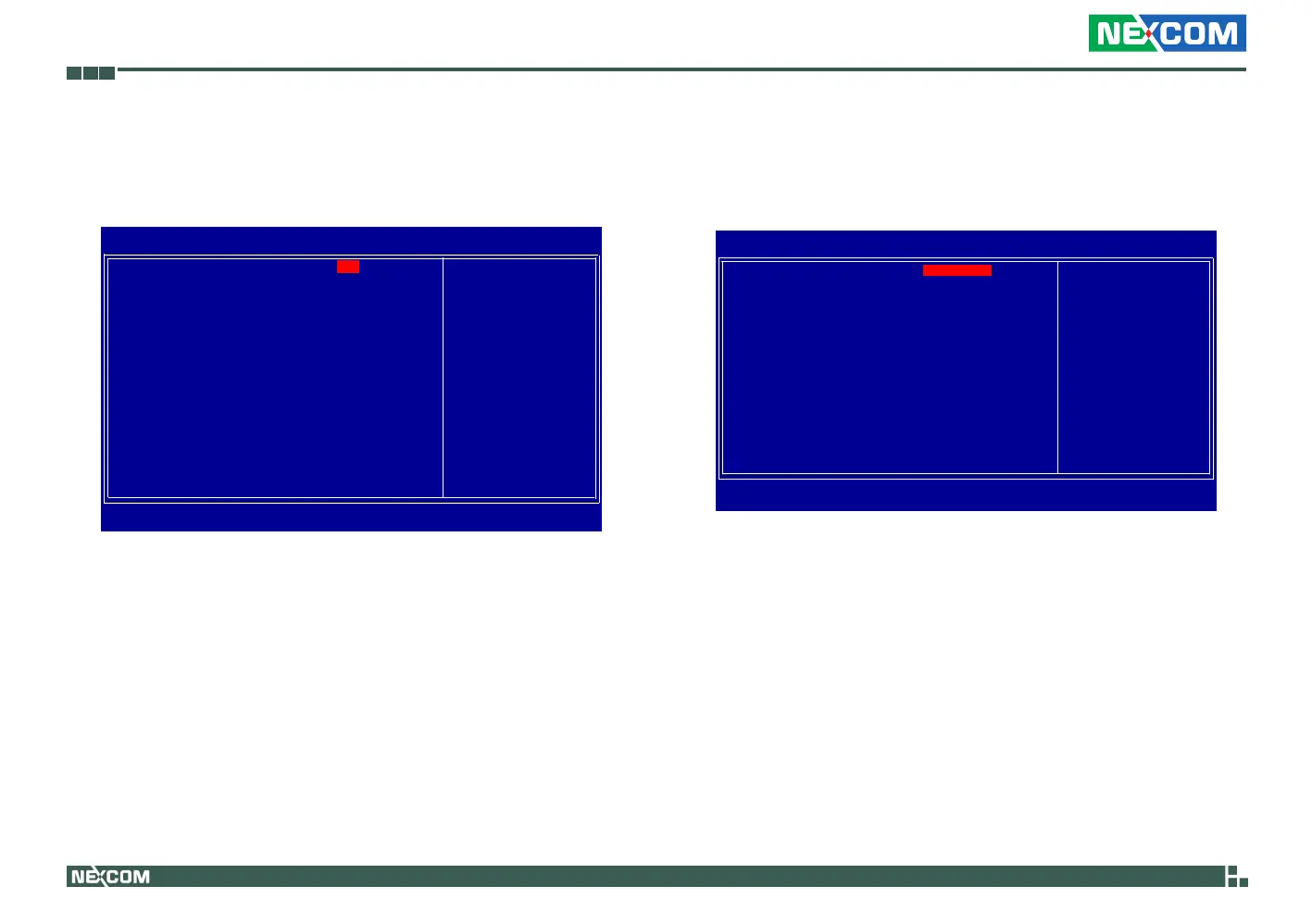
Date (mm:dd:yy)
Time (hh:mm:ss)
IDE Channel 0 Master
IDE Channel 1 Master
IDE Channel 2 Master
IDE Channel 3 Master
Video
Halt On
Base Memory
Extended Memory
Total Memory
Phoenix - AwardBIOS CMOS Setup Utility
Standard CMOS Features
Item Help
Menu Level
Change the day, month,
year and century
Thu, Nov 12 2009
16 : 27 : 53
[None]
[None]
[None]
[None]
[EGA/VGA]
[All, But Keyboard]
639K
913408K
914432K
↑↓→←: Move Enter: Select F1: General Help+/-/PU/PD: Value F10: Save ESC: Exit
F5: Previous Values F7: Optimized Defaults
Date
The date format is <day>, <month>, <date>, <year>. Day displays a day,
from Sunday to Saturday. Month displays the month, from January to De-
cember. Date displays the date, from 1 to 31. Year displays the year, from
1999 to 2099.
Time
The time format is <hour>, <minute>, <second>. The time is based on
the 24-hour military-time clock. For example, 1 p.m. is 13:00:00. Hour
displays hours from 00 to 23. Minute displays minutes from 00 to 59.
Second displays seconds from 00 to 59.
IDE Channel 0 Master and IDE Channel 3 Master
To configure the IDE drives, move the cursor to a field then press <En-
ter>. The following screen will appear.
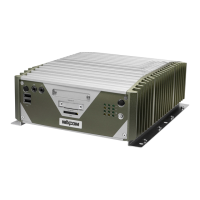
IDE HDD Auto-Detection
IDE Channel 0 Master
Access Mode
Capacity
Cylinder
Head
Precomp
Landing Zone
Sector
Phoenix - AwardBIOS CMOS Setup Utility
IDE Channel 2 Master
Item Help
Menu Level
To auto-detect the
HDD’s size, head... on
this channel
↑↓→←: Move Enter: Select F1: General Help+/-/PU/PD: Value F10: Save ESC: Exit
F5: Previous Values
F7: Optimized Defaults
0
0
0
0
0
[Press Enter]
Auto
Auto
0 MB
IDE HDD Auto-Detection
Detects the parameters of the drive. The parameters will automati-
cally be shown on the screen.
IDE Channel 0 Master / IDE Channel 0 Slave
If you select ”Auto”, the BIOS will auto-detect the HDD & CD-ROM
drive at the POST stage and show the IDE for the HDD & CD-ROM
drive. If a hard disk has not been installed, select “None”.
BIOS Setup Utility
Artisan Technology Group - Quality Instrumentation ... Guaranteed | (888) 88-SOURCE | www.artisantg.com


 To Next Page