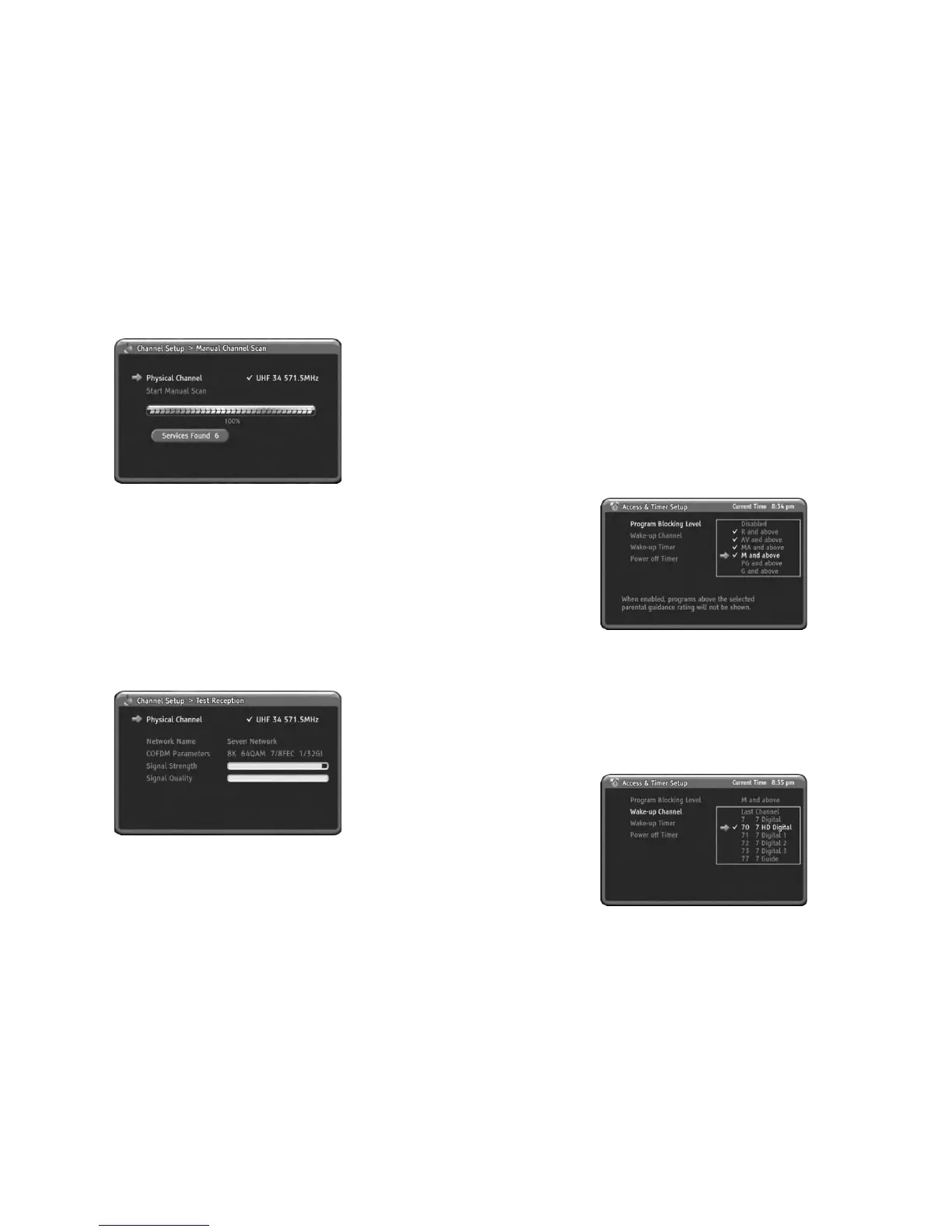
Test Reception
You can review your aerial signal strength using this menu.
In this menu, you can check up the Network Name, COFDM Parameters, Signal
Strength and Signal Quality.
1) Press MENU to display the menu.
2) Press DOWN to select the Channel Setup menu.
3) Press OK or RIGHTtoenterChannel Setup menu.
4) Press DOWN to select Test Reception.
5) Press OK or RIGHTtogotoSub menu.
6) For change physical channel, Press OK or RIGHT again to display
physical channel list.
7) Press UP/DOWN or PgUp/PgDn to select the physical channel you want
to check up the signal strength.
8) Press OK or RIGHT to change physical channel.
9) Pre
ss LEFT to return. You can check up and review the signal strength,
quality and signal related information.
10) Press MENU to go back.
2
eMENUSystem
3. Access & Timer Setup
Program Blocking Level
Wake-up Channel
You can setup channel blocking level with this item. If current channel having a
lower level than Program Blocking Level which you setting up previously then the
display will be blanked and shows blocked message with OSD. Whenever you enter
Program Blocking Level menu, HD-STB always asking you PIN code.
1) Press MENU to display the menu.
2) Press DOWN to select the Access & Timer Setup menu.
3) Press OK or RIGHTtoselectAccess & Timer Setup menu.
4) Press OK or RIGHTtogotoSub menu.
5) HD-STB will ask you enter the PIN code.
6) Press UP or DOWN to select the Program Blocking Levelyouwanttosetup.
7) Press OK or RIGHTtochangeProgram Blocking Leve
l.
YoucanselectanychannelwhenWake-up Timer is turned on the HD-STB.The
default is last watched channel. For select the desired channel, you should setting
up the Wake-up Channel.
1) Press MENU to display the menu.
2) Press DOWN to select the Access & Timer Setup menu.
3) Press OK or RIGHTtoselectAccess & Timer Setup menu.
4) Press DOWN to select Wake-up Channel menu.
5) Press OK or RIGHTtogotoSub menu.
8) Press MENU to go back.
6) Press UP or DOWN to select desired channel you want to setup.
7) Press OK or RIGHT to change desired channel.
8) Press MENU to go back.
2


 To Next Page