seconds, the does not turn off, press the UP ( )
button again which tells the remote to search the next set of codes.
Continue pressing and releasing UP ( ) button until the
turns off.
If the turns off; press the OK button, and then the
LED blinks three times.
2)ReferthebrandCodeListonpage36andlocateyourbrandof thecomponentyou
want to control.
Press and hold the button you want to program until
the LED on the remote control turns on, then release the key.
Ensure there is a direct and un-blocked line of sight between the remote control and
the HD-STB.
Remember to press the mode selection button (i.e.; ) before pressing
a remote control button to control the device.
CE component (TV, VCR or DVD)
CEcomponent(TV,VCRor
DVD)
4) CE component (TV, VCR or DVD)
1)TurnontheCEcomponent(TV,VCRorDVD)youwanttocontrol.
3) CE component (TV, VCR or DVD)
4)Enter3-digitcodefromthecodelist,thentheLEDblinksthreetimes.
5) If you get no response, repeat these steps using the next code listed for your brand
until the CE component (TV, VCR or DVD) responds to the remote control command.
1)
5) TV, VCR or DVD
2. Using Direct Entry Method
3. Using the remote control
2) Dark walls, direct sunshine or very bright light may reduce the remote sensor s
sensitivity.
3) The remote control will not work correctly if you press several buttons at the same
time.
4) Hold the remote control within an angle range of about 30 degree from either side of
the remote sensor. The remote control range is about 23 feet (7 meters) from
the HD STB.
0
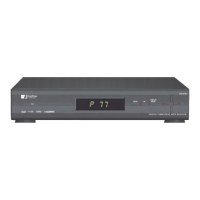
THD-6190
User Manual
High DefinitionDigital Receiver
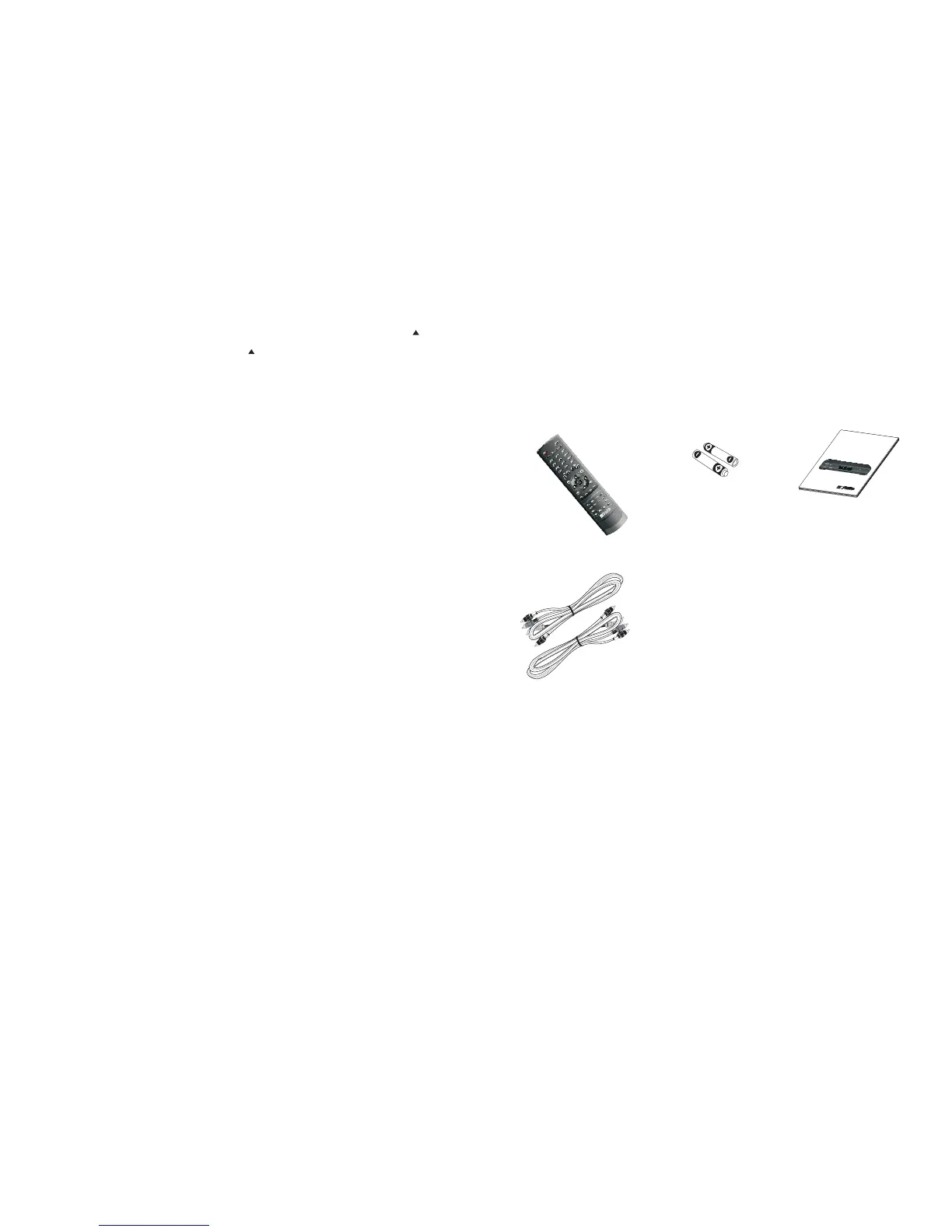
A/V Cable
4.
SD A/V Cable (Yellow/White/Red)
HD Video Cable (Green/Blue/Red)
Overview of the equipment
*The contents and specifications in this manual are subject to change without prior notice.
Wireless Universal
Remote Control
Two AAA (LRO3)
size batteries
User Manual
1. 2. 3.


 To Next Page