10. Current Time
It showed the current time.
11. Program Schedule
It showed the start and end time of program.
12. Information Contents
It displayed the current program's event title information contents. Pressing INFO
button again, you can see the NEXT program information.
13. Genre
It showed the program Genre.
2. Using EPG button
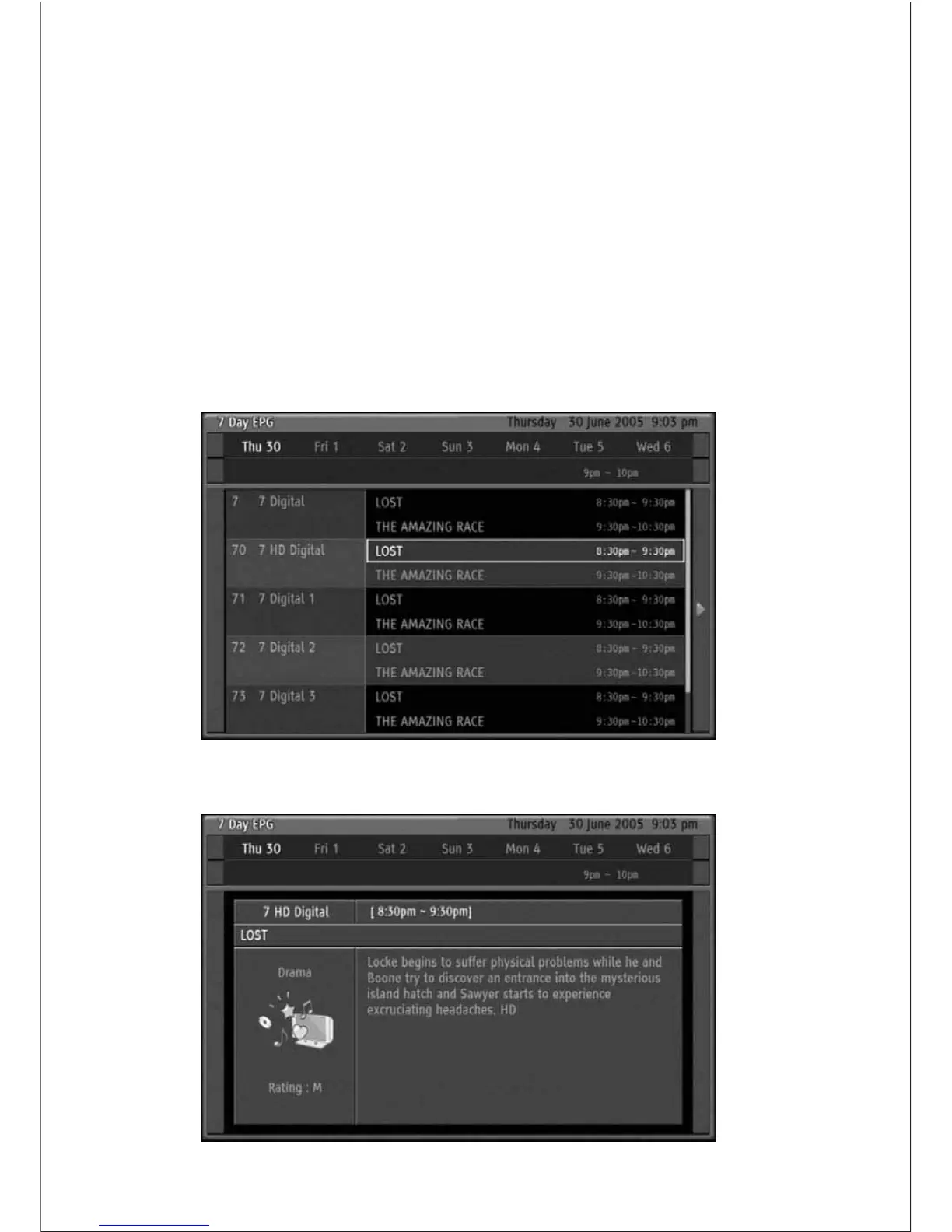
This HD-STB can display 7-day EPG information which channel is including EPG data.
By pressing EPG button while watching TV you will get whole channel s 7-day EPG
program information. You can surf date, time and program information using direction
buttons. For the fast surfing between dates, press MENU Button to select date item.
If you want to get more detailed program information then press INFO button. Press INFO
button again to return to 7-day EPG display. At any position, press OK to change to
Desired channel.
29
Using the Remote Control Button



 To Next Page