9
3 OPERATION
3.1 LED INDICATION
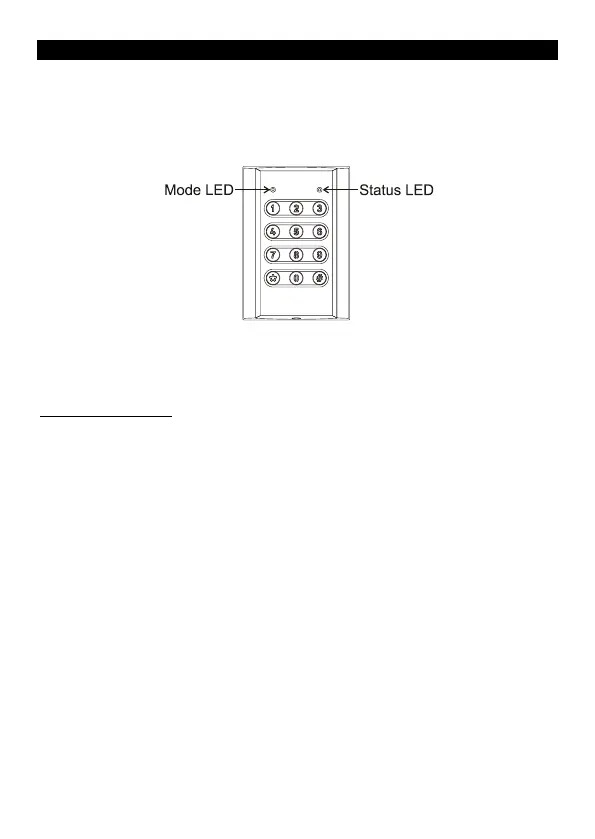
There are 2 LEDs on the VST keypads that are used to indicate different
conditions. Throughout this manual the left LED will be referred to as
the Mode LED and the right as the Status LED.
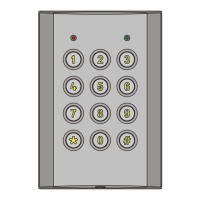
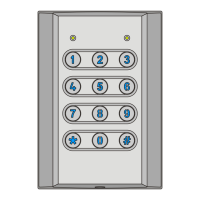
The symbols used in this manual for the LEDs are:
= off, = on, = flashing single colour and = flashing two
colours alternately, the colour of the LED will also be stated.
3.1.1 Mode LED
The Mode LED is used to indicate the current mode of the keypad; the
various conditions are shown below.
Green
Orange
Operating mode with a relay currently latched on.
Operating mode with standard user codes locked out.
- Alarm condition (Tamper, DOTL or DFO) in operating mode.
Green
Green
Orange
The Mode LED will also flash red briefly each time a button is pressed,
this option can be disabled if desired (refer to setting 921 in the Installer
Programming section on page 18)



 To Next Page