29
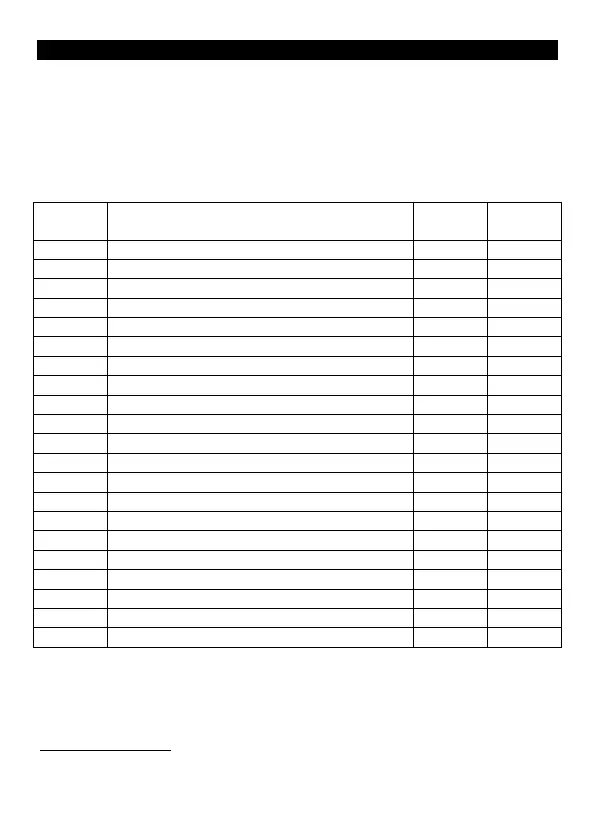
APPENDIX A: INSTALLER SETTING SUMMARY
The factory default installer code is 9999.
To enter installer mode press <installer code>
(the final is not required when using fixed length codes)
The keypad will beep 3 times and the Mode LED will alternately flash
() Green/Orange
Program installer settings using <setting number> <new value>
Function
Auxiliary Lock Relay Mode
913 Auxiliary REX Input Mode 0-3 0
920 Backlighting Brightness 0-6 6
Lockout after invalid codes
Latching override cancelled by code use
Lockout of Standard Users via code
969 Reset keypad to factory defaults
246 -
(1)
These settings require their new values to be confirmed by entering
the current installer code then after the normal programming
sequence. 961 (or 969) <new value> <installer code>
Exit Installer Mode
To exit installer mode press



 To Next Page