12
3.4 CODE USAGE
User codes can be used to either control the Relays (Door Access) or
perform Advanced Code Functions.
3.4.1 Door Access
The most common use of a code is to control a door lock connected to
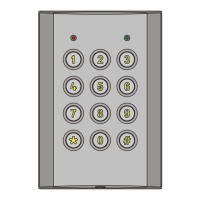
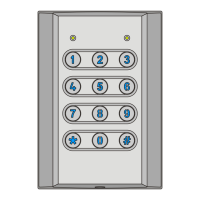
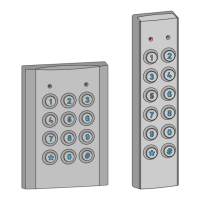
the VST keypad. To do this simply enter the code on the VST keypad,
the button will need to be pressed at the end of the code if the system
is set to use variable length codes.
The following examples use the factory default code for the Lock Relay
for different code length settings:-
- When the VST is set for variable length codes (default).
- When the VST is set for code length of 6 digits.
3.4.2 Advanced Code Functions
The following sequences access advanced code functions:-
<manager or primary code> <function key>
when using variable length codes
or <manager or primary code> <function key>
when using fixed length codes
Where <function key> is one of the following options:-
- Unlatch both the Lock and Auxiliary Lock relays (reset both
back to default state, the Auxiliary relay is reset only when it is
set as a second lock control)
- Latch/Unlatch Lock Relay
- Latch/Unlatch Auxiliary Lock Relay (only valid when the
Auxiliary relay is set as a second lock control)
- Lockout Standard User Codes
- Enable Standard User Codes
NOTE: All advanced code functions are disabled by the factory defaults.
To enable these functions for Manager or Primary Users please refer to
sections 4.16 and 4.18.
Examples: The following examples use the default Management code
when the VST is set for variable length codes.
- Locks out Standard User codes.
- Enables Standard User codes.



 To Next Page