97More on Photography
Using an Optional ML-L3 Remote Control
The optional ML-L3 remote control (0 308) can be used to
reduce camera shake or for self-portraits. Before proceeding,
mount the camera on a tripod or place it on a stable, level
surface.
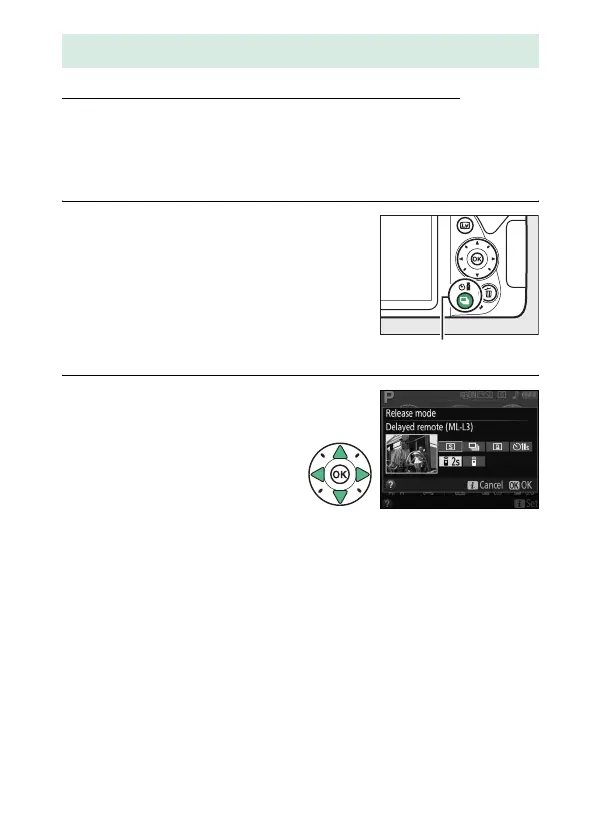
1 Press the I (E/#) button.
2 Select a remote control
mode.
Highlight " (Delayed
remote (ML-L3)) or
# (Quick-response remote
(ML-L3)) and press J.
Remote Control Photography
I (E/#) button



 To Next Page
 Loading...









