236 B The Setup Menu: Camera Setup
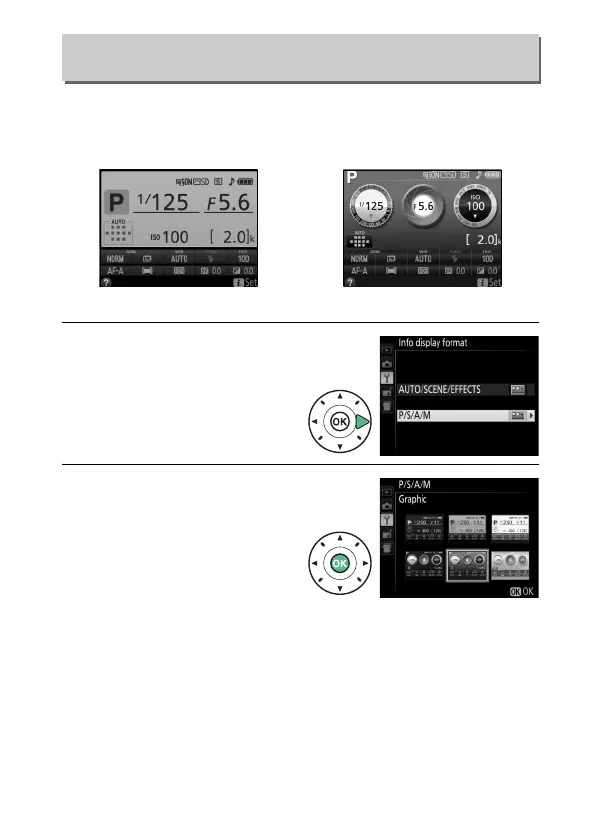
Choose an information display format (0 7).
Formats can be
chosen separately for auto, scene, and special effects modes and
for P, S, A, and M modes.
1 Select a shooting mode
option.
Highlight AUTO/SCENE/
EFFECTS or P/S/A/M and
press 2.
2 Select a design.
Highlight a design and press
J.
Info Display Format
G button ➜ B setup menu
Classic (0 237) Graphic (0 7)



 To Next Page
 Loading...









