220 D The Playback Menu: Managing Images
Choose a folder for playback:
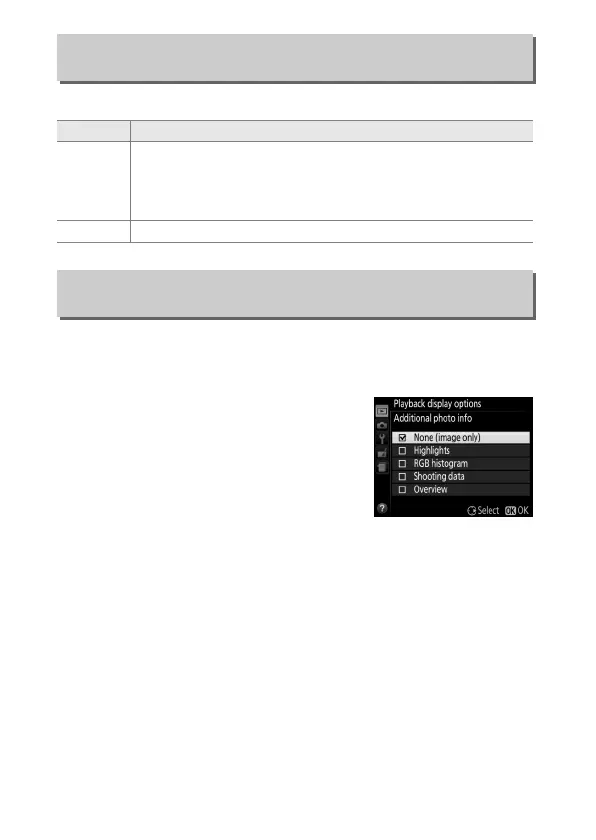
Choose the information available in the playback photo
information display (0 172) and the transition between frames
during playback.
• Additional photo info: Press 1 or 3 to
highlight and press 2 to select or
deselect.
Selected items are indicated
by check marks.
To return to the
playback menu, press J.
• Transition effects: Choose from On (each frame is pushed out of
the display by the following frame) and Off (no transition
between frames).
Playback Folder
G button ➜ D playback menu
Option Description
Current
Only photos in the folder currently selected for Storage
folder in the setup menu (0 257) are displayed during
playback.
This option is selected automatically when a
photo is taken; select All to view pictures in all folders.
All Pictures in all folders will be visible during playback.
Playback Display Options
G button ➜ D playback menu



 To Next Page
 Loading...









