219D The Playback Menu: Managing Images
Camera Menus
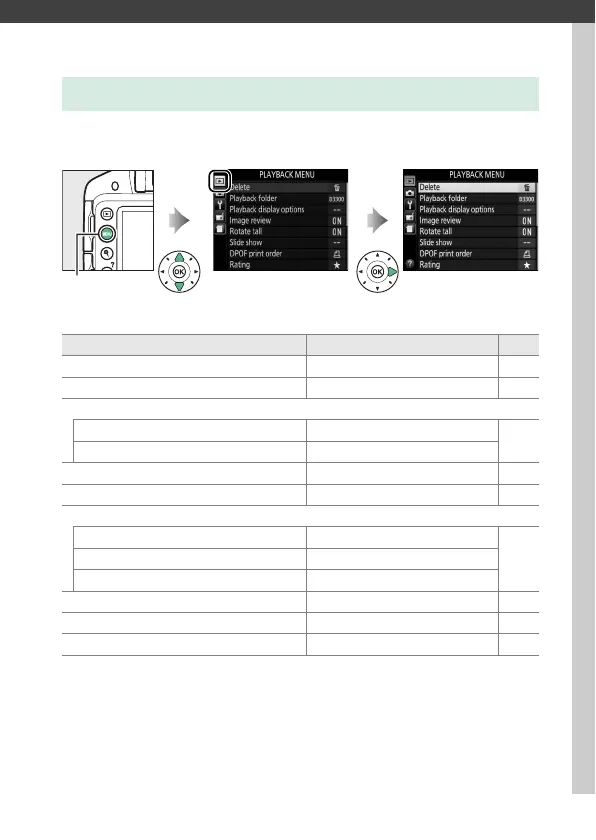
To display the playback menu, press G and select the D
(playback menu) tab.
The playback menu contains the following options:
D The Playback Menu: Managing Images
G button
Option Default 0
Delete — 193
Playback folder Current 220
Playback display options
Additional photo info —
220
Transition effects On
Image review On 221
Rotate tall On 221
Slide show
Image type Still images and movies
198Frame interval 2 s
Transition effects On
DPOF print order — 213
Rating — 187
Select to send to smart device — 190



 To Next Page
 Loading...









