63Special Effects
I Easy Panorama
Follow the steps below to shoot panoramas.
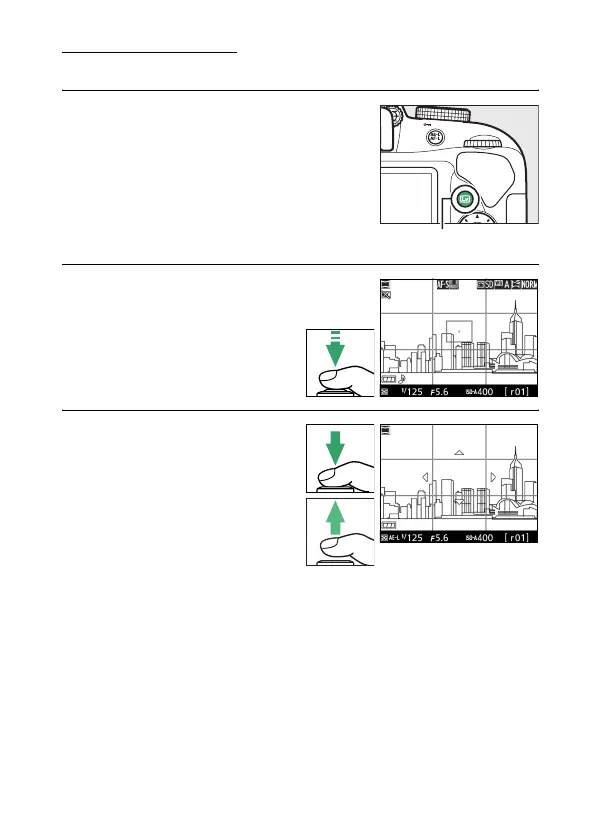
1 Select live view.
Press the a button.
A framing grid
and the view through the lens will be
displayed in the monitor.
2 Focus.
Frame the start of the
panorama and press the
shutter-release button
halfway.
3 Start shooting.
Press the shutter-release
button the rest of the way
down and then lift your
finger from the button. The
display will briefly go dark
and then turn on with 4, 6,
7, and 5 icons indicating the
possible pan directions; focus and exposure will lock.
a button



 To Next Page
 Loading...









