336 Technical Notes
This section lists the indicators and error messages that appear
in the viewfinder and monitor.
Error Messages
A Warning Icons
A flashing d in the monitor or s in the viewfinder indicates that a
warning or error message can be displayed in the monitor by pressing
the W (Q) button.
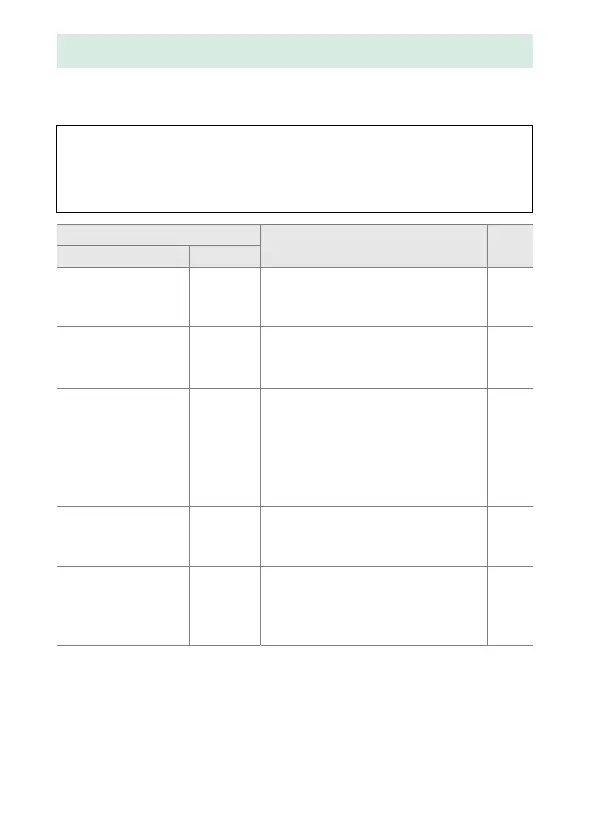
Indicator
Solution 0Monitor Viewfinder
Lock lens aperture ring
at minimum aperture
(largest f/-number).
B
(flashes)
Set lens aperture ring to
minimum aperture (highest
f-number).
291
Lens not attached
F/s
(flashes)
• Attach non-IX NIKKOR lens. 290
• If non-CPU lens is attached,
select mode M.
108
Before taking photos,
rotate the zoom ring to
extend the lens.
F
(flashes)
A lens with a retractable lens
barrel button is attached with the
lens barrel retracted. Press the
retractable lens barrel button
and rotate the zoom ring to
extend the lens.
17
Shutter release
disabled. Recharge
battery.
d/s
(flashes)
Turn camera off and recharge or
replace battery.
14, 17
This battery cannot be
used. Choose battery
designated for use in
this camera.
d
(flashes)
Use Nikon-approved battery. 306



 To Next Page
 Loading...









