142 Live View
Live View
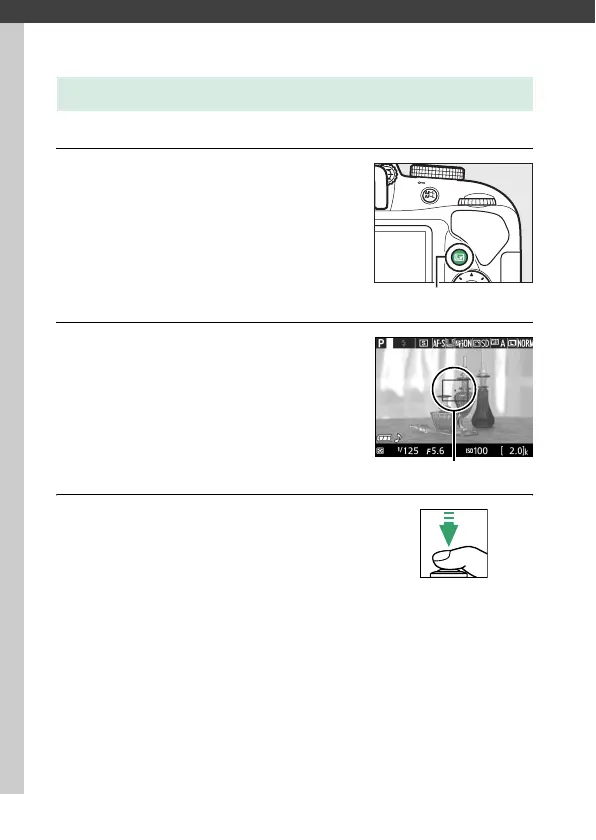
Follow the steps below to take photographs in live view.
1 Press the a button.
The view through the lens will be
displayed in the monitor.
2 Position the focus point.
Position the focus point over your
subject as described on page 147.
3 Focus.
Press the shutter-release button
halfway.
The focus point will flash
green while the camera focuses.
If the
camera is able to focus, the focus point will be displayed in
green; if the camera is unable to focus, the focus point will
flash red (note that pictures can be taken even when the
focus point flashes red; check focus in the monitor before
shooting).
Except in i and j modes, exposure can be
locked by pressing the A (L) button.
Framing Photographs in the Monitor
a button
Focus point



 To Next Page
 Loading...









