275N The Retouch Menu: Creating Retouched Copies
Create JPEG copies of NEF (RAW) photographs.
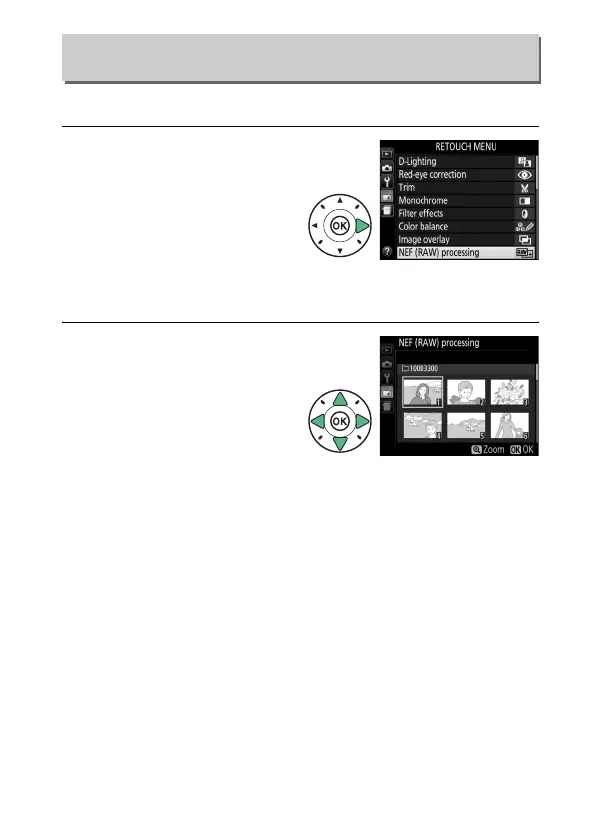
1 Select NEF (RAW)
processing.
Highlight NEF (RAW)
processing in the retouch
menu and press 2 to
display a picture selection
dialog listing only NEF
(RAW) images created with this camera.
2 Select a photograph.
Use the multi selector to
highlight a photograph (to
view the highlighted
photograph full frame,
press and hold the X
button).
Press J to select
the highlighted photograph and proceed to the next step.
NEF (RAW) Processing
G button ➜ N retouch menu



 To Next Page
 Loading...









