171Playback and Deletion
Change protect
status
A (L)
To protect image, or to remove protection
from protected image, press A (L) button
(0 184).
View movie or
panorama
If current picture is marked with 1 icon to
show that it is a movie, pressing J starts
movie playback (0 162). If the current
picture is a panorama, pressing J starts
panorama playback (0 66).
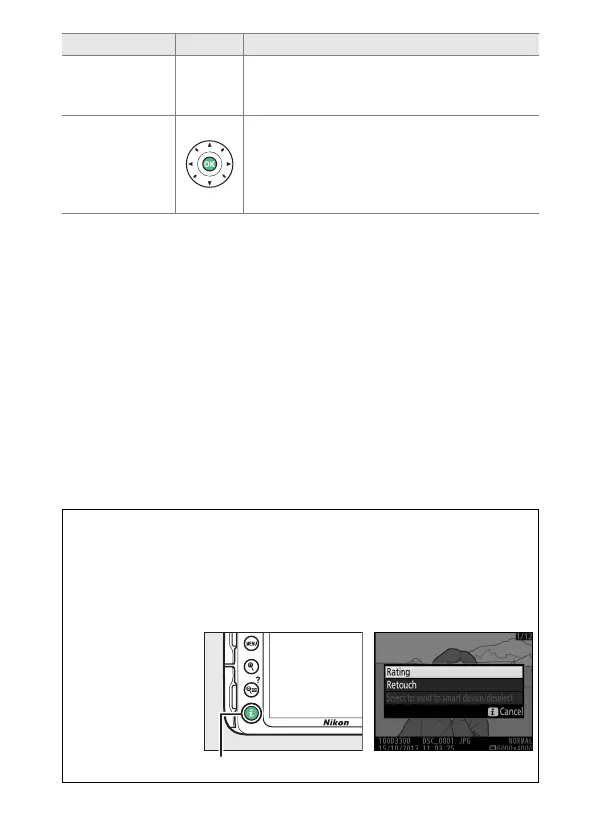
A The P Button
Pressing the P button in full-frame, thumbnail, or calendar playback
displays the dialog shown at right, where you can rate pictures
(0 186), retouch photos and edit movies (0 164, 263), and select
pictures for transfer to a smart device when an optional wireless
mobile adapter is connected (0 189).
To Use Description
P button



 To Next Page
 Loading...









