318 Technical Notes
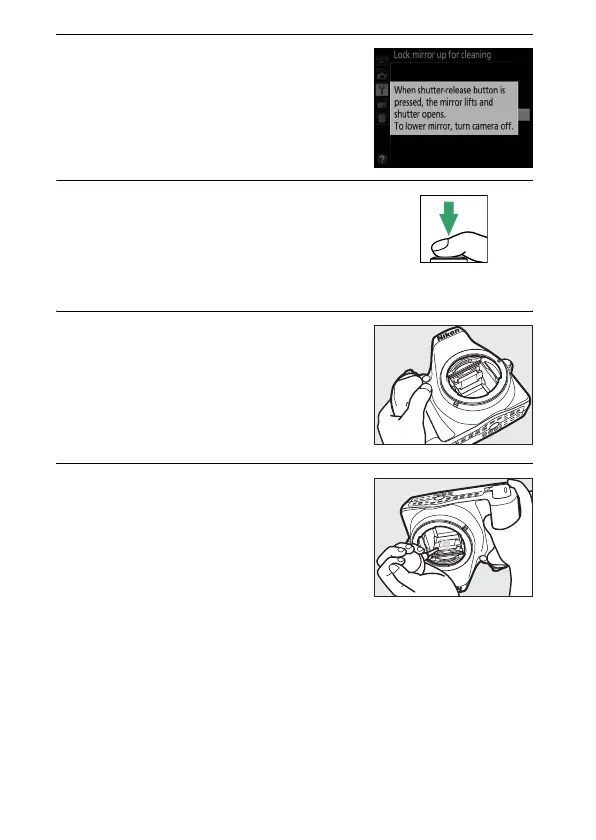
4 Press J.
The message shown at right will be
displayed in the monitor.
5 Raise the mirror.
Press the shutter-release button all
the way down.
The mirror will be
raised and the shutter curtain will
open, revealing the image sensor.
6 Examine the image sensor.
Holding the camera so that light falls
on the image sensor, examine the
interior of the camera for dust or lint.
If no foreign objects are present,
proceed to Step 8.
7 Clean the sensor.
Remove any dust and lint from the
sensor with a blower.
Do not use a
blower-brush, as the bristles could
damage the sensor.
Dirt that can not
be removed with a blower can only be
removed by Nikon-authorized service
personnel.
Under no circumstances should you touch or
wipe the sensor.



 To Next Page
 Loading...









