107
t
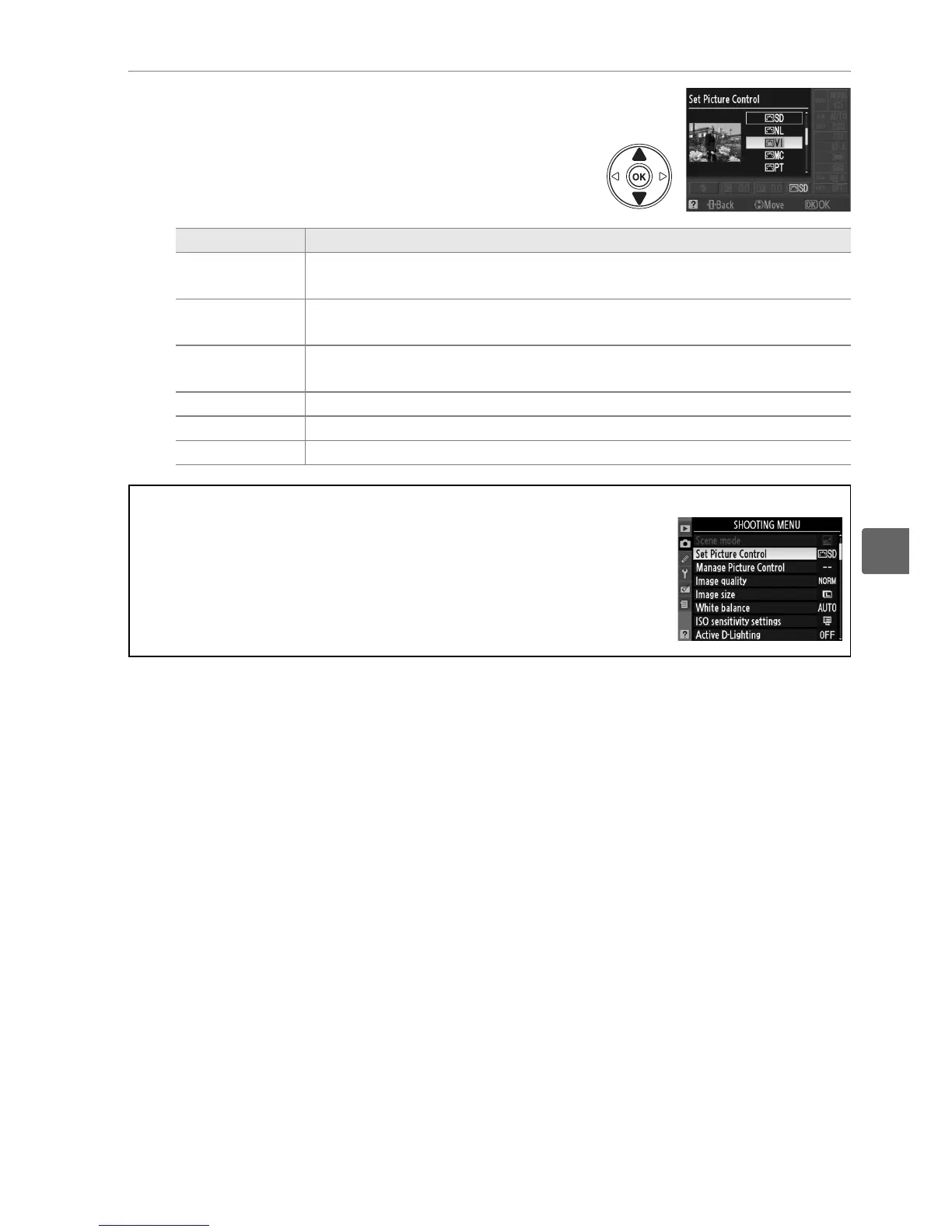
3 Choose a Picture Control.
Highlight one of the following options and press
J.
Option Description
Q Standard
Standard processing for balanced results.
Recommended for most
situations.
R Neutral
Minimal processing for natural results.
Choose for photographs that
will later be extensively processed or retouched.
S Vivid
Pictures are enhanced for a vivid, photoprint effect.
Choose for
photographs that emphasize primary colors.
T Monochrome Take monochrome photographs.
e Portrait Process portraits for skin with natural texture and a rounded feel.
f Landscape Produces vibrant landscapes and cityscapes.
A The Shooting Menu
Picture Controls can also be selected and modified from the shooting
menu (0 148).
Set Picture Control can be used to modify existing
Picture Controls (0 108). Choose Manage Picture Control to create
custom Picture Controls (0 111) or copy custom Picture Controls to a
memory card to be shared among compatible devices and software
(0 113).



 To Next Page