78
z
Two-Button Reset
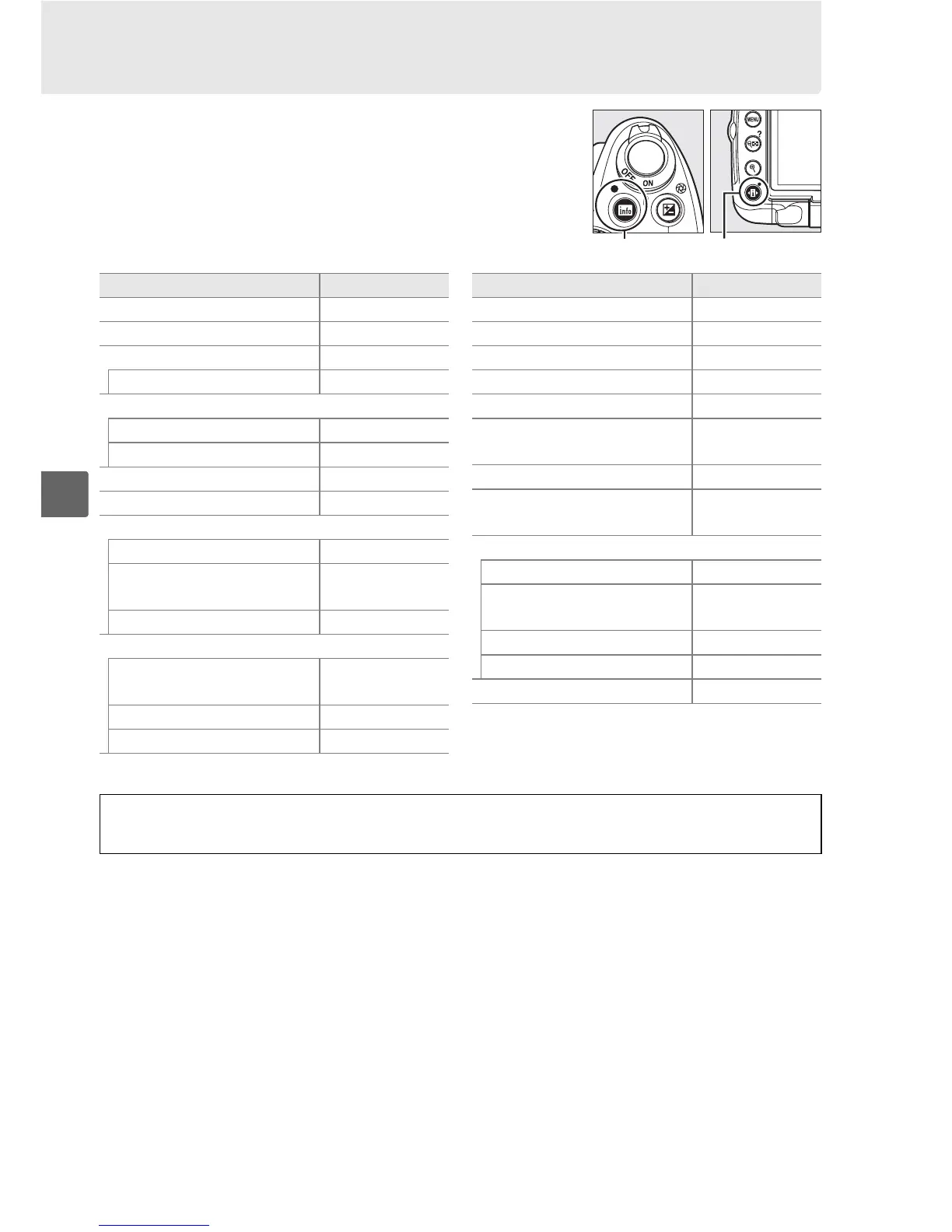
The camera settings listed below can be restored to
default values by holding the R and P buttons down
together for more than two seconds (these buttons are
marked by a green dot).
The information display turns off
briefly while settings are reset.
R button P button
Option Default
Image quality (0 62) JPEG normal
Image size (0 64) Large
White balance (0 96) Auto
Fine tuning (0 98) 0
ISO sensitivity (0 74)
Auto and scene modes AUTO
P, S, A, M 200
Release mode (0 65) Single frame
Focus mode (0 54) AF-A
Live view autofocus (0 43)
i, k, p, o Face priority
j, l, m, r, s, t, u, v, w,
x, y, z, 1, 2, 3, P, S, A, M
Wide area
n, 0 Normal area
AF-area mode (0 56)
l, n, r, t, u, v, x, y, z,
0, 1, 2, 3
Single point
m, w Dynamic area
i, j, k, p, o, s, P, S, A, M Auto-area
Option Default
Focus point (0 58)
1
Center
Metering (0 88) Matrix
AE-L/AF-L button hold (0 89) Off
Active D-Lighting (0 94) Auto
Bracketing (0 103) Off
Picture Control
modifications (0 106)
2
None
Flash compensation (0 92) Off
Exposure compensation
(0 90)
Off
Flash mode (0 71)
i, k, p, n, w Auto
s
Auto+red-eye
reduction
o Auto slow sync
0, P, S, A, M Fill flash
Flexible program (0 81) Off
1 Focus point not displayed if Auto-area is
selected for AF-area mode.
2 Current Picture Control only.
D Live View
Two-button reset is not available in live view.



 To Next Page