186
u
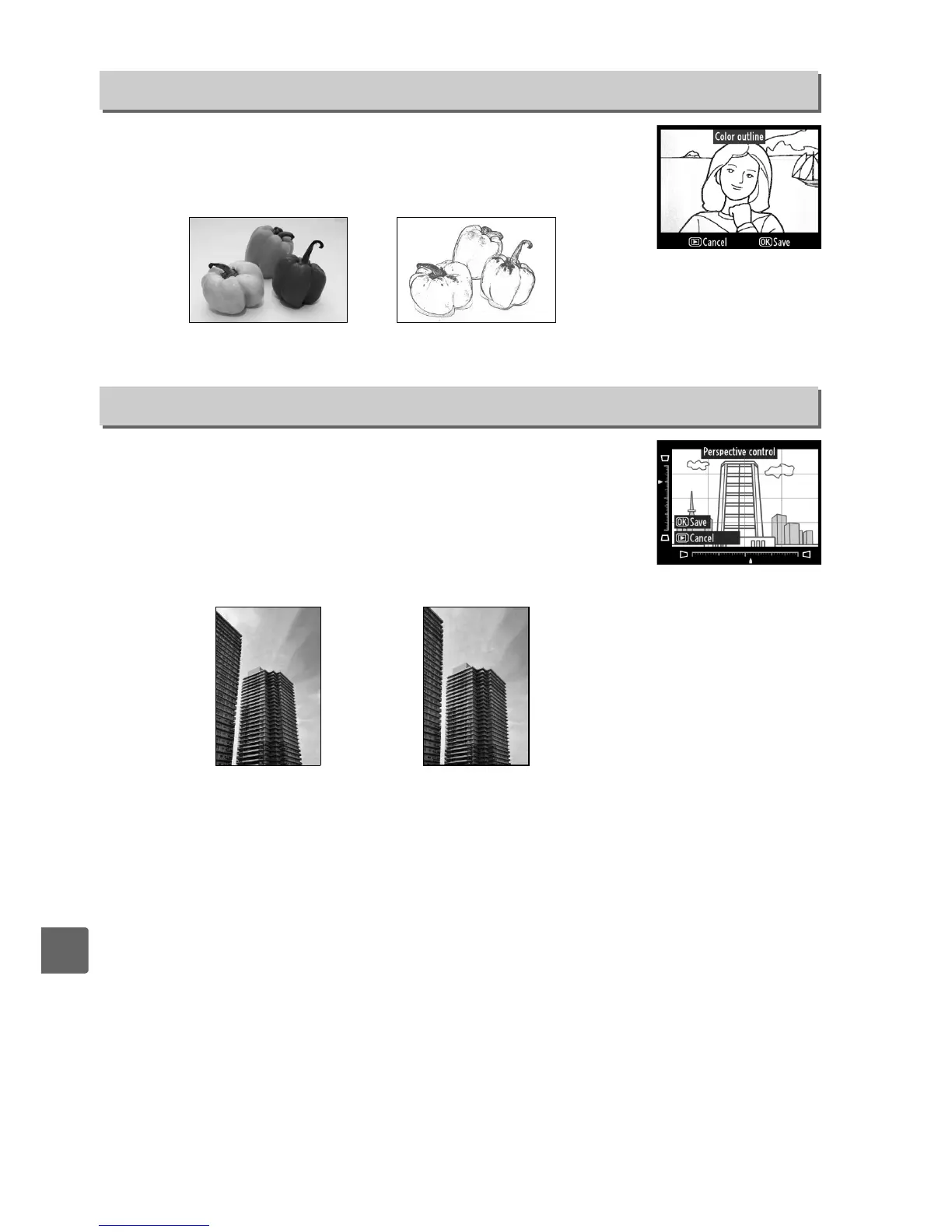
Create an outline copy of a photograph to use as a base for
painting.
The effect can be previewed in the edit display.
Press
J to copy the photograph.
Create copies that reduce the effects of perspective taken from
the base of a tall object.
Use the multi selector to adjust
perspective (note that greater amounts of perspective control
result in more of the edges being cropped out).
Press J to copy
the photograph, or press K to exit to playback without creating
a copy.
Color Outline
G button ➜ N retouch menu
Before After
Perspective Control
G button ➜ N retouch menu
Before After



 To Next Page