38
s
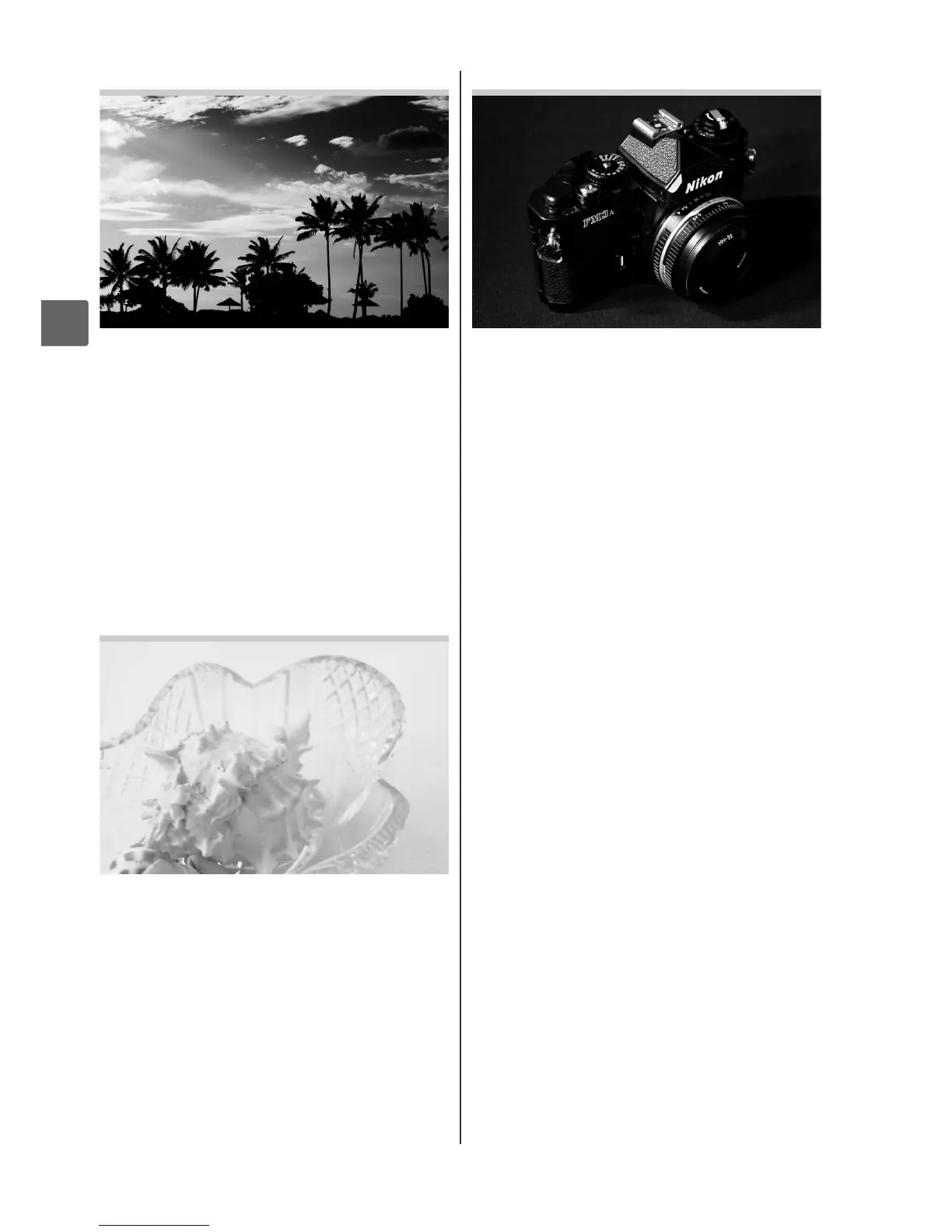
1Silhouette
Silhouette subjects against bright
backgrounds.
The built-in flash turns off;
use of a tripod is recommended to
prevent blur when lighting is poor.
2High Key
Use to create bright images that seem
filled with light when shooting bright
scenes.
The built-in flash turns off.
3Low Key
Use to create dark, somber images that
bring out highlights when shooting dark
scenes.
The built-in flash turns off; use of
a tripod is recommended to prevent blur
when lighting is poor.



 To Next Page