147
o
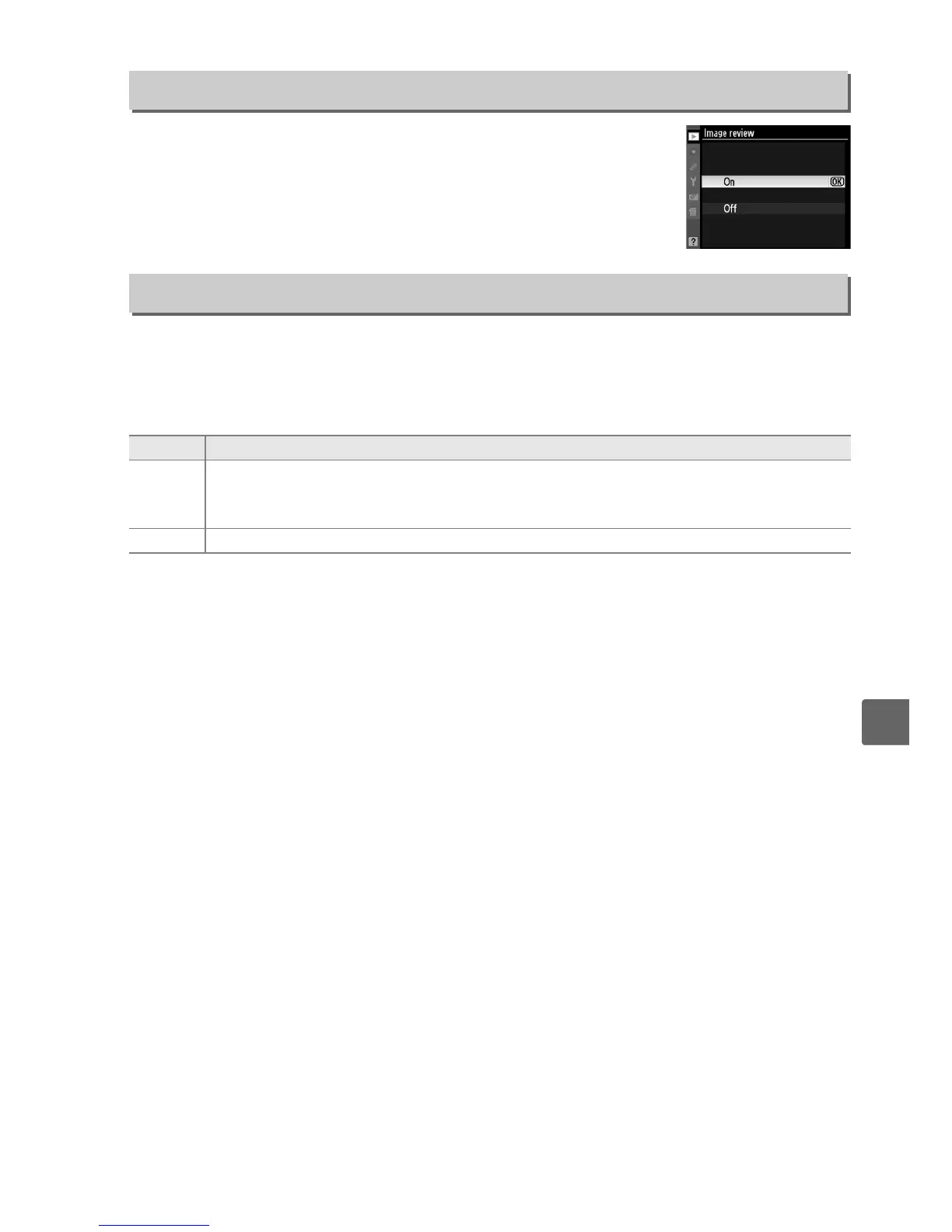
Choose whether pictures are automatically displayed in the
monitor immediately after shooting.
If Off is selected, pictures
can only be displayed by pressing the K button.
Choose whether to rotate “tall” (portrait-orientation) pictures for display during
playback.
Note that because the camera itself is already in the appropriate
orientation during shooting, images are not rotated automatically during image
review (0 147).
Image Review
G button ➜ D playback menu
Rotate Tall
G button ➜ D playback menu
Option Description
On
“Tall” (portrait-orientation) pictures are automatically rotated for display in the
camera monitor.
Pictures taken with Off selected for Auto image rotation (0 170)
will be displayed in “wide” (landscape) orientation.
Off “Tall” (portrait-orientation) pictures are displayed in “wide” (landscape) orientation.



 To Next Page