181
u
5 Press J to complete the operation.
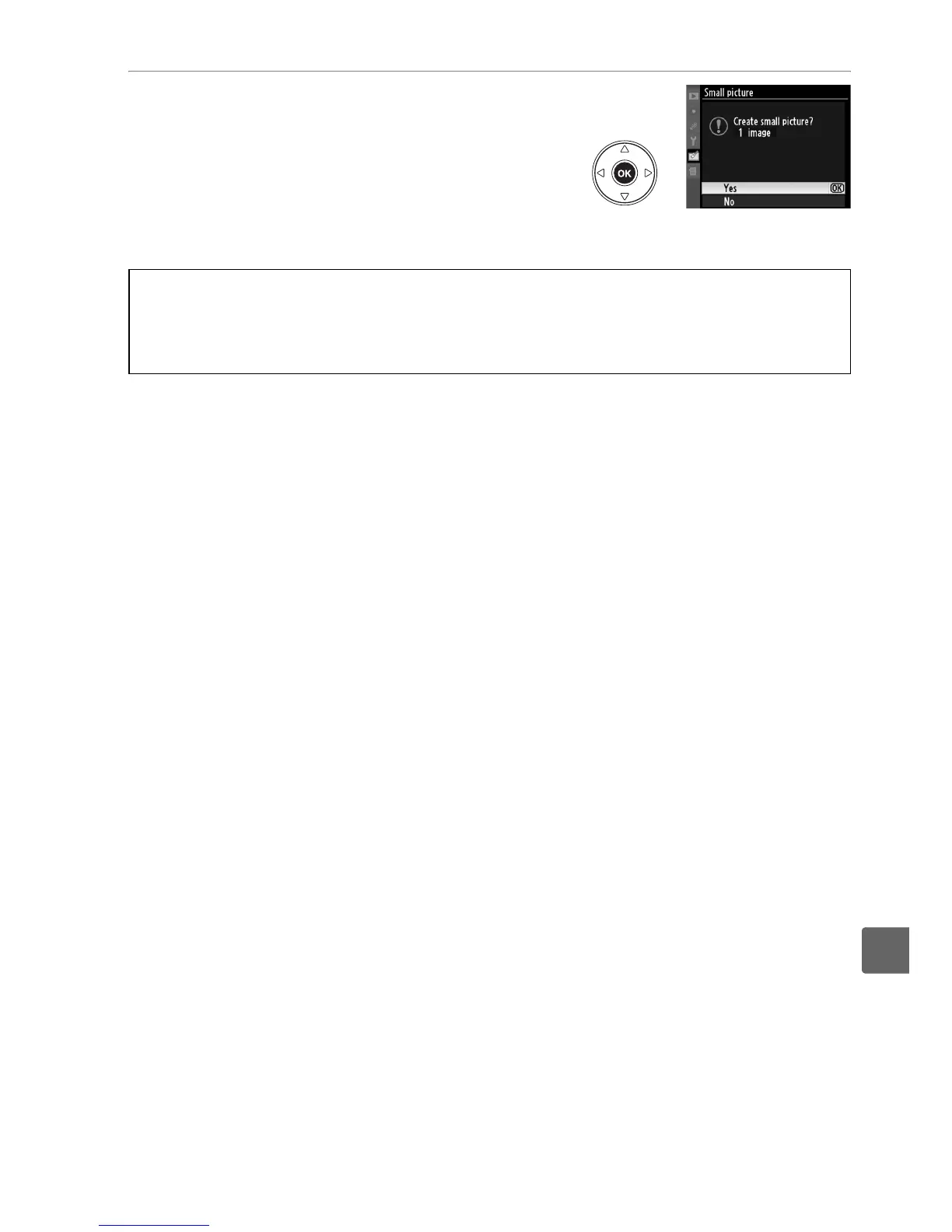
Press J.
A confirmation dialog will be
displayed; highlight Ye s and press J to copy
pictures at the selected size and return to
playback.
To exit without creating copies,
highlight No and press J, or press G to
exit to the retouch menu.
A Viewing Small Pictures
Small pictures are indicated by a gray border.
Playback zoom is not available when small
pictures are displayed.
Note that because small copies do not have the same aspect ratio as
the original, the edges of the copy will be cropped out on its longest dimension.



 To Next Page