47
x
A Manual Focus
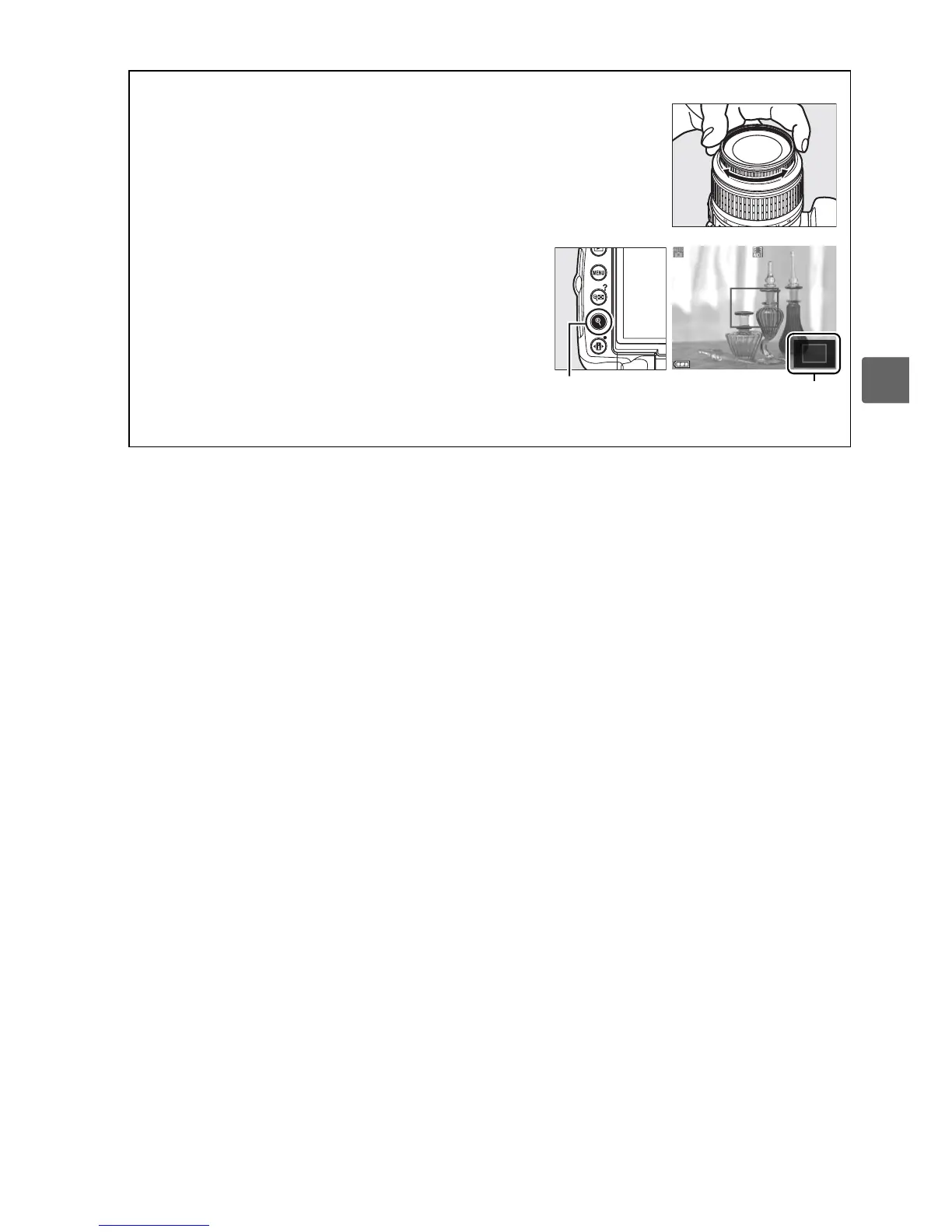
To focus in manual focus mode (0 60), rotate the
lens focus ring until the subject is in focus.
To magnify the view in the monitor up to about 6.7
×
for precise focus, press the X button.
While the view
through the lens is zoomed in, a navigation window
will appear in a gray frame at the bottom right corner
of the display.
Use the multi selector to scroll to
areas of the frame not visible in the monitor
(available only if Wide area or Normal area is
selected for Live view autofocus), or press W to
zoom out.
X button Navigation window



 To Next Page