75
z
A AUTO
If the mode dial is rotated to P, S, A, or M after AUTO is selected for ISO sensitivity in another
mode, the ISO sensitivity last selected in P, S, A, or M mode will be restored.
A Hi 0.3–Hi 1
Pictures taken at these settings are more likely to be subject to noise and color distortion.
A Lo 0.3–Lo 1
Use for larger apertures when lighting is bright. Contrast is slightly higher than normal; in
most cases, ISO sensitivities of ISO 200 or above are recommended.
A The Shooting Menu
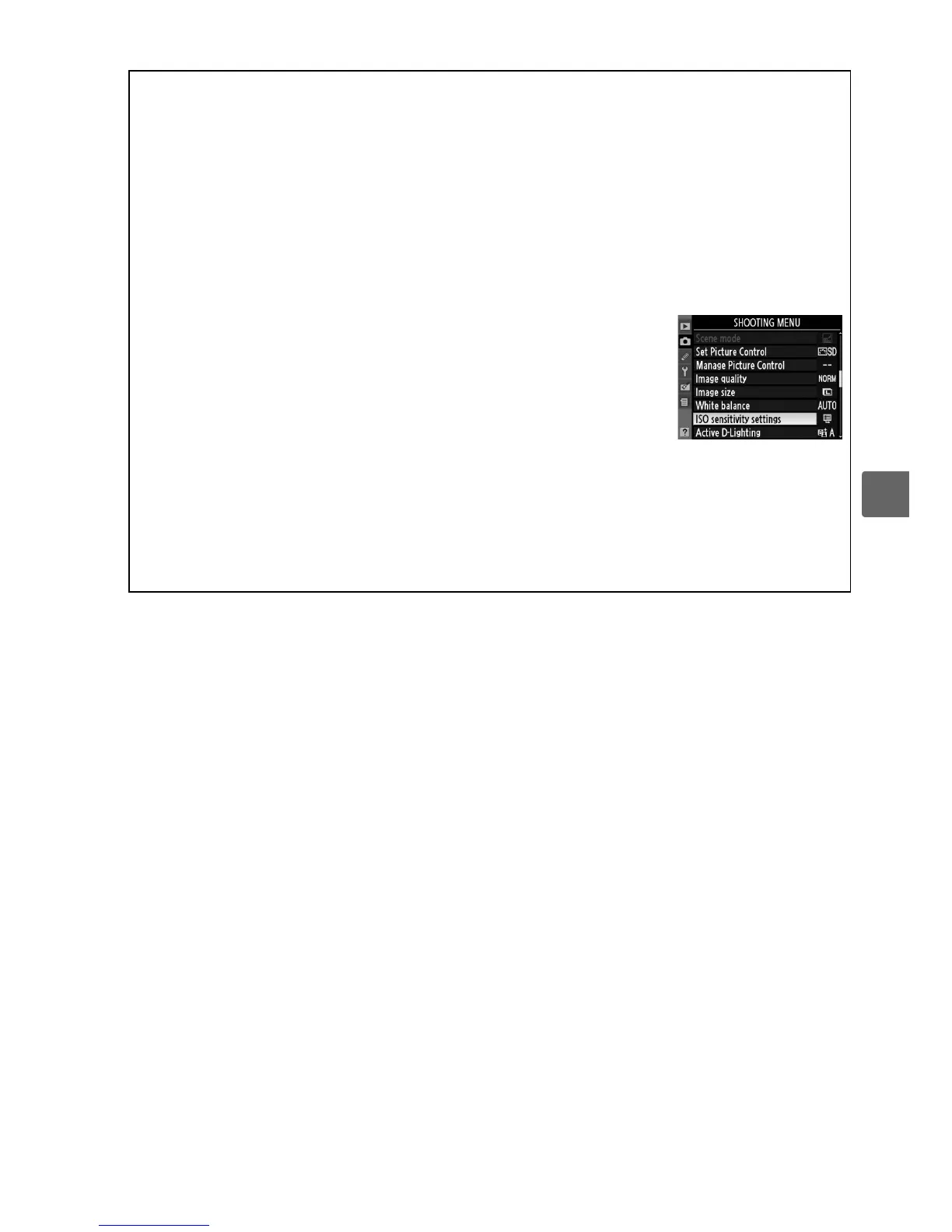
ISO sensitivity can also be adjusted using the ISO sensitivity
settings option in the shooting menu (0 149).
A See Also
For information on enabling auto ISO sensitivity control in P, S, A, or M modes, see page 149.
For information on using the High ISO NR option in the shooting menu to reduce noise at
high ISO sensitivities, see page 151.
For information on displaying ISO sensitivity in the
viewfinder, see page 158.
For information on using the Fn (E) button and the command dial
to select ISO sensitivity, see page 163.



 To Next Page