Creating a DPOF Print Order: Print Set
When printing from a memory card inserted in the printer's card slot or directly from the
camera connected
to
a printer
(!Ij
84),
or when having photographs printed by a
professional developer or digital print center, photographs
can
be
printed
as
indicated in
the
DPOF
print order you have created for your photographs on the memory card. Note
that the printer and digital print center must support the
DPOF
standard.
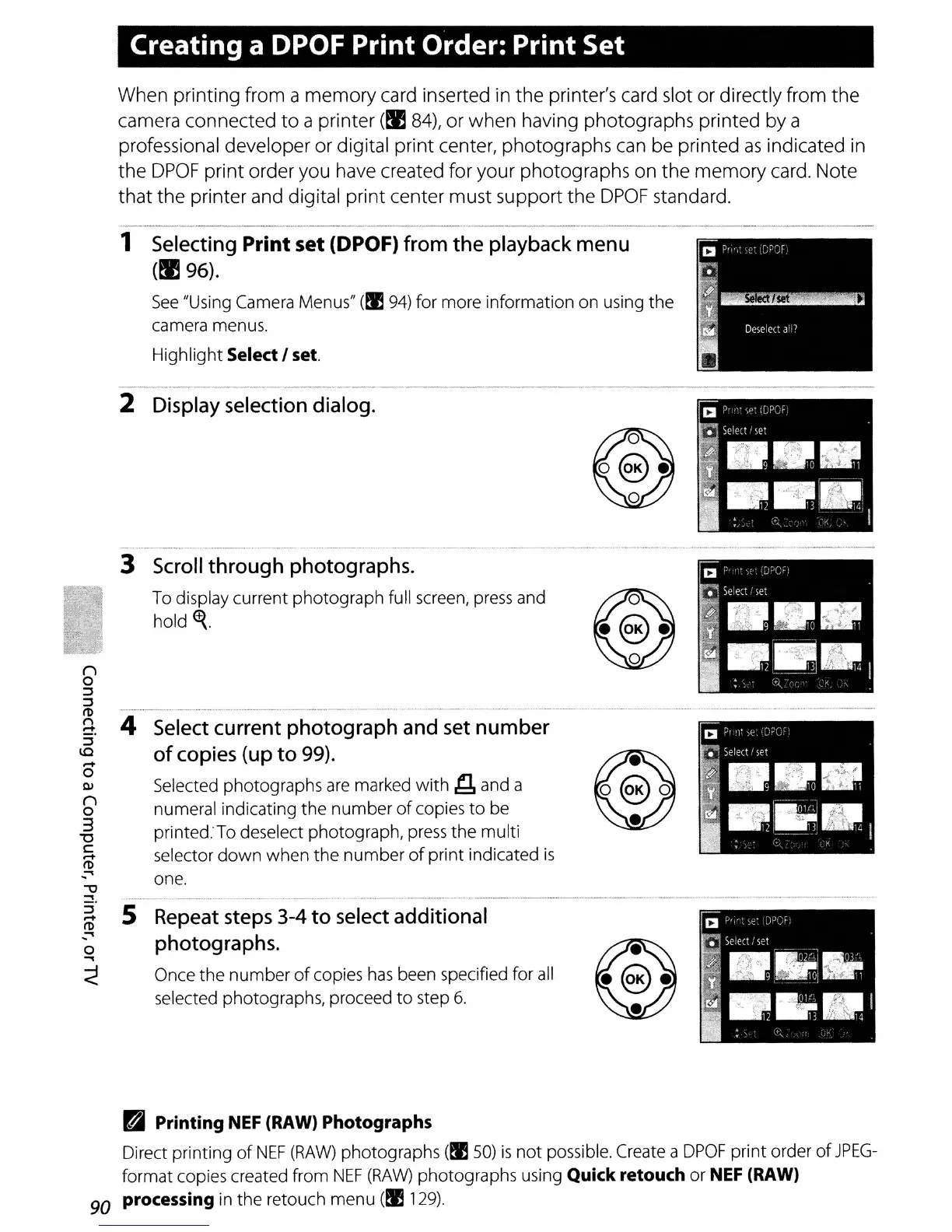
4
Select
current photograph
and
set
number
of
copies
(up
to
99).
Selected photographs are marked
with
~
and a
numeral indicating the
number
of
copies
to
be
printed. To deselect photograph, press the multi
selector
down
when the
number
of
print indicated
is
one.
_____________________________
0 - 0 0 0 0 0
1
Selecting
Print set (DPOF)
from
the
playback
menu
(!I 96).
See
"Using Camera Menus" (tI!94) for more information on using the
camera menus.
Highlight Select
I set.
5
Repeat
steps
3-4 to
select
additional
photographs.
Once the number
of
copies
has
been specified for
all
selected photographs, proceed
to
step
6.
3
Scroll
through photographs.
To display current photograph full screen,
press
and
hold~.
2
Display
selection
dialog.
BJ
Printing NEF (RAW) Photographs
Direct printing
of
NEF
(RAW)
photographs (tI!SO)
is
not possible. Create a
DPOF
print order
of
JPEG-
format copies created from
NEF
(RAW)
photographs using Quick retouch
or
NEF
(RAW)
90 processing in the retouch menu (tI!129).



 To Next Page