Viewing Multiple Photographs: Thumbnail Playback
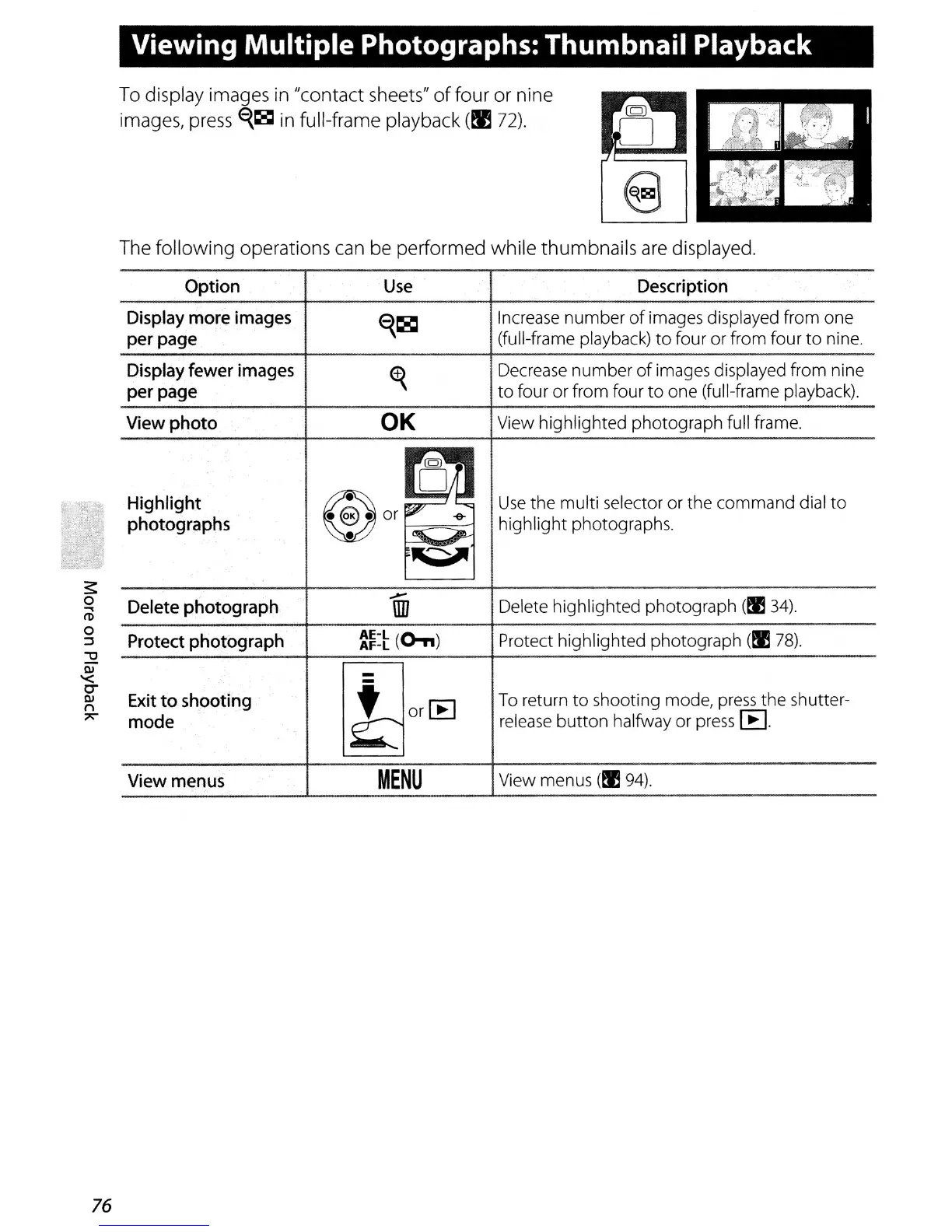
To display images
in
"contact sheets"
of
four or nine
images, press
E{~
in
full-frame playback
(tyj
72).
76
The
following
operations can be performed while thumbnails
are
displayed.
Option
Use
Description
Display
more
images
~~
Increase number
of
images displayed from one
per
page
(full-frame playback)
to
four or from four
to
nine.
Display
fewer
images
~
Decrease number
of
images displayed from nine
per
page
to
four or from four
to
one (full-frame playback).
View
photo
OK
View highlighted photograph full frame.
rO
Highlight
~or~~
Use
the multi selector or the command dial
to
photographs
•
"""'.A--
highlight photographs.
~
.--
Delete highlighted photograph (t!l34)
Delete photograph
IIIl
Protect
photograph
AE-l
(0,,)
Protect highlighted photograph
(t!ll8).
AF-l
Exit
to
shooting
l!locC8
To
return
to
shooting mode,
press
the shutter-
mode
release
button halfway or
press
[EJ.
View menus
MENU
View menus (t!l94).



 To Next Page