Shooting in A
Mode
(Aperture-Priority Auto)
In
aperture-priority auto mode, you choose the aperture while the camera automatically
selects the shutter speed that will produce the optimal exposure. Small apertures (high
f-numbers) increase
depth
of
field, bringing both the main subject and background into
focus. Large apertures (low f-numbers) soften background details (!I
40).
........................
....•.........• .
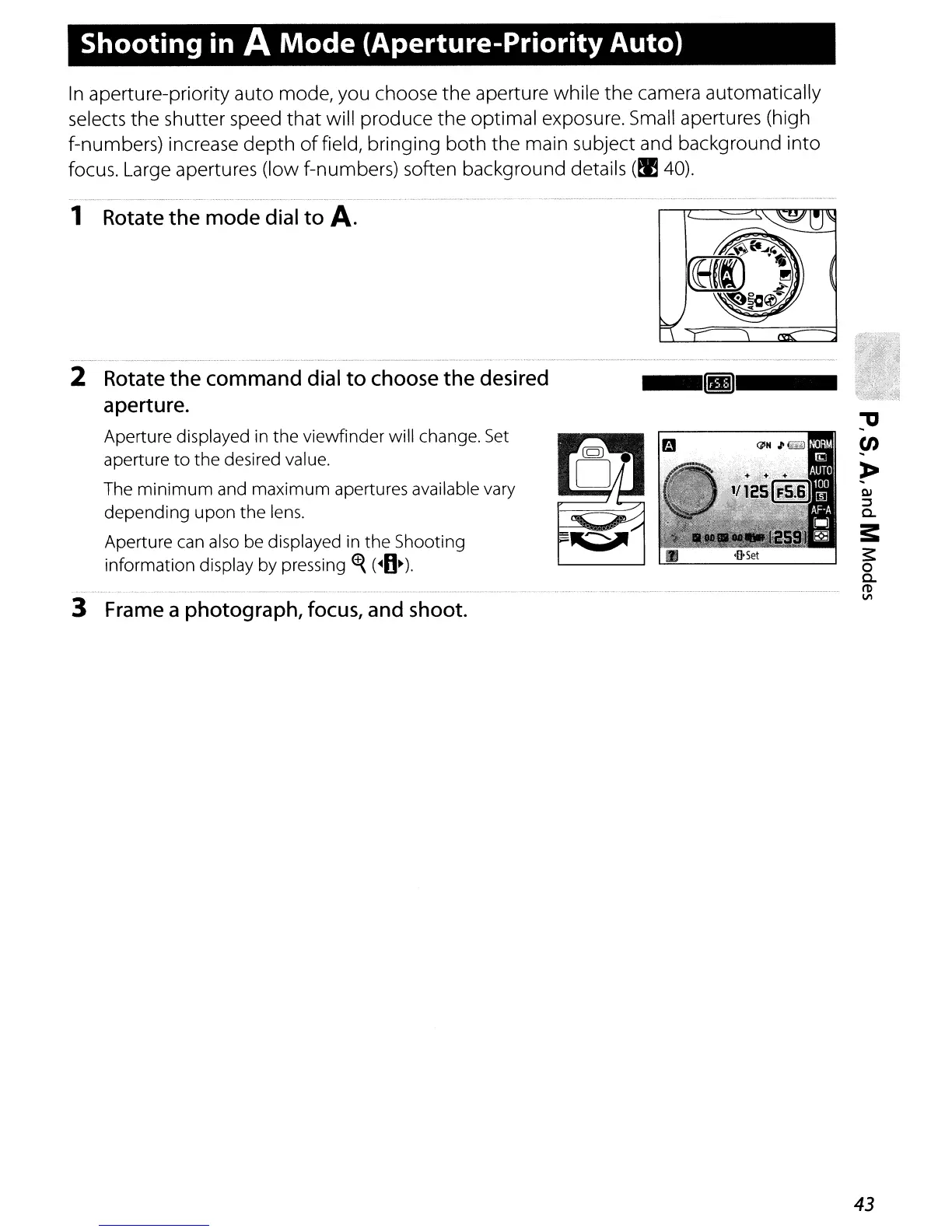
1 Rotate the mode dial to
A.
2 Rotate the command dial
to
choose the desired
aperture.
Aperture displayed in the viewfinder will change.
Set
aperture
to
the desired value.
The
minimum
and maximum apertures available vary
depending
upon
the lens.
Aperture can also be displayed in the Shooting
information display by pressing
~
(.O~).
3 Frame a photograph, focus, and shoot.
--g---
43



 To Next Page