EasyManua.ls Logo

Nikon D60 - Focus Point Selection

Nikon D60
248 pages
Print Icon
To Next Page IconTo Next Page
To Previous Page IconTo Previous Page
Loading...
Focus
Focus Point Selection
The focus point
can
be selected manually for composing photographs
in
which the main
subject
is
not
positioned at the center
of
the frame.
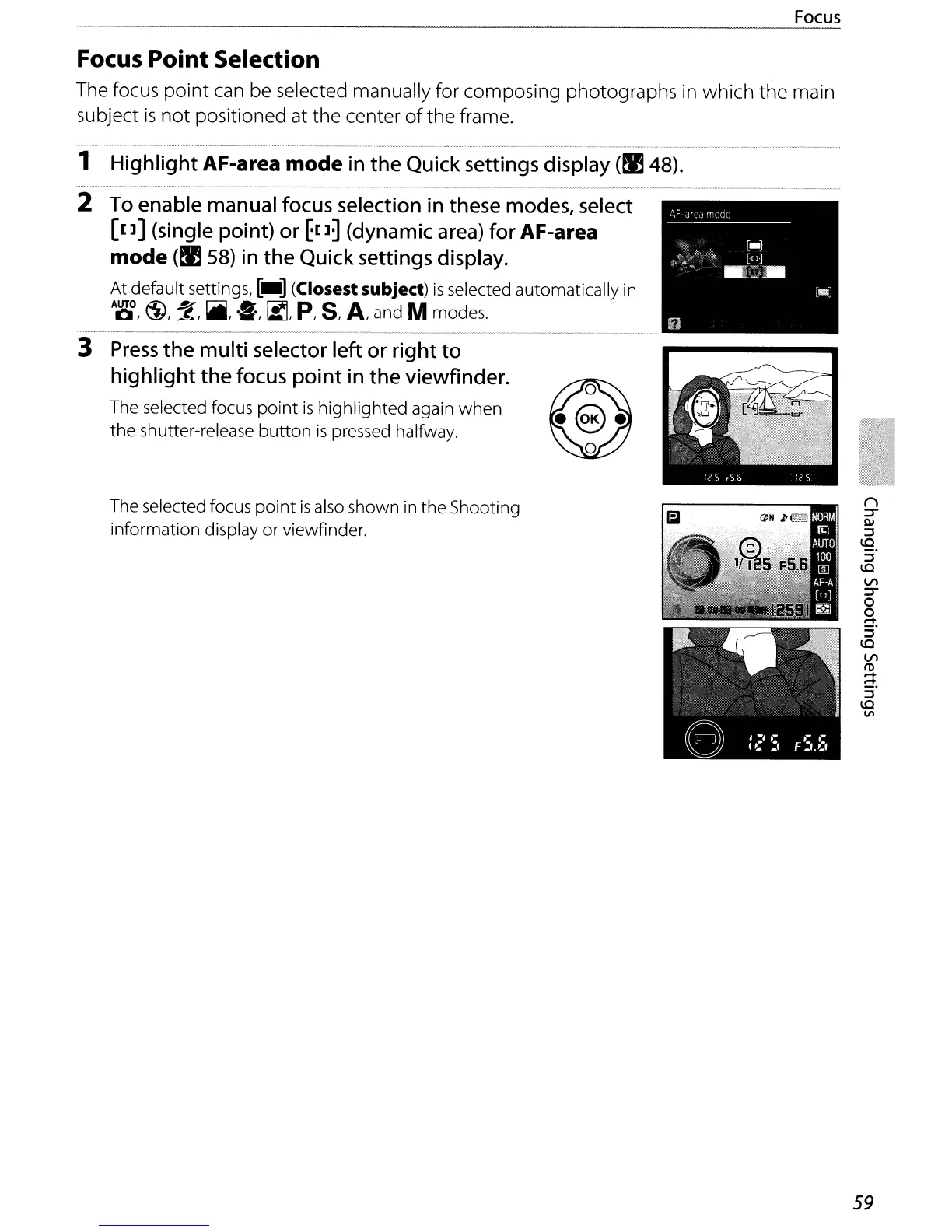
1 Highlight AF-area mode in
the
Quick settings display
(~
48).
2 To enable manual focus selection in these modes, select
[[]]
(single point) or
~[]~
(dynamic area) for AF-area
mode
(~
58)
in
the
Quick settings display.
At default settings,
[_]
(Closest subject)
is
selected automatically
in
A~,
\1),
2,
~,
'S,
~,
p,
S,
A,
and M modes.
3
Press
the
multi
selector left or right
to
highlight
the
focus
point
in
the
viewfinder.
The selected focus
point
is
highlighted again
when
the
shutter-release
button
is
pressed halfway.
The selected focus
point
is
also shown
in
the Shooting
information display
or
viewfinder.
59

Table of Contents

Other manuals for Nikon D60

Related product manuals