46
Shooting
in
MMode
(Manual)
Long
Time-Exposures
Shutter speeds
of
"Bulb" and "Time" can be used for long time-exposure photographs
of
moving
lights,
the
stars,
night
scenery,
or
fireworks. To prevent blurring caused by camera
shake,
use
a tripod
or
an
optional Wireless Remote Control ML-L3.
Bulb
Shutter remains open while
the
shutter-release
button
is
held down, and closes when
the
shutter-release
button
is
released.
This
option
is
available when shooting in Mmode at a shutter speed
of
"Bulb"
("oul
0"
is
displayed in
the
viewfinder)
(~
44).
Time
The optional Wireless Remote Control ML-L3
is
required.
The shutter can remain open for up
to
30
minutes
without
holding
down
the
shutter-
release button. Follow
the
instructions
below
to
take pictures at a shutter speed
of
"Time".
1
Set
shutter speed
to
"Bulb"
("oul
0"
is
displayed in the viewfinder) in M
mode
(!!
44).
2
Set
Release
mode
to Delayed
remote
or
Quick-response
remote
(!!
54).
• 'Time" will be displayed for shutter speed
("
-
-"
is
displayed in
the
viewfinder).
3
Press
the
shutter-release
button
on the remote control.
• Shutter opens immediately aher, or
two
seconds aher,
the
shutter-release
button
is
pressed.
4
Press
the shutter-release
button
on the remote control a second
time
to
close
the
shutter.
• Shutter closes automatically aher
30
minutes
has
passed.
. .
. . . .
..
,,),'
.
~~
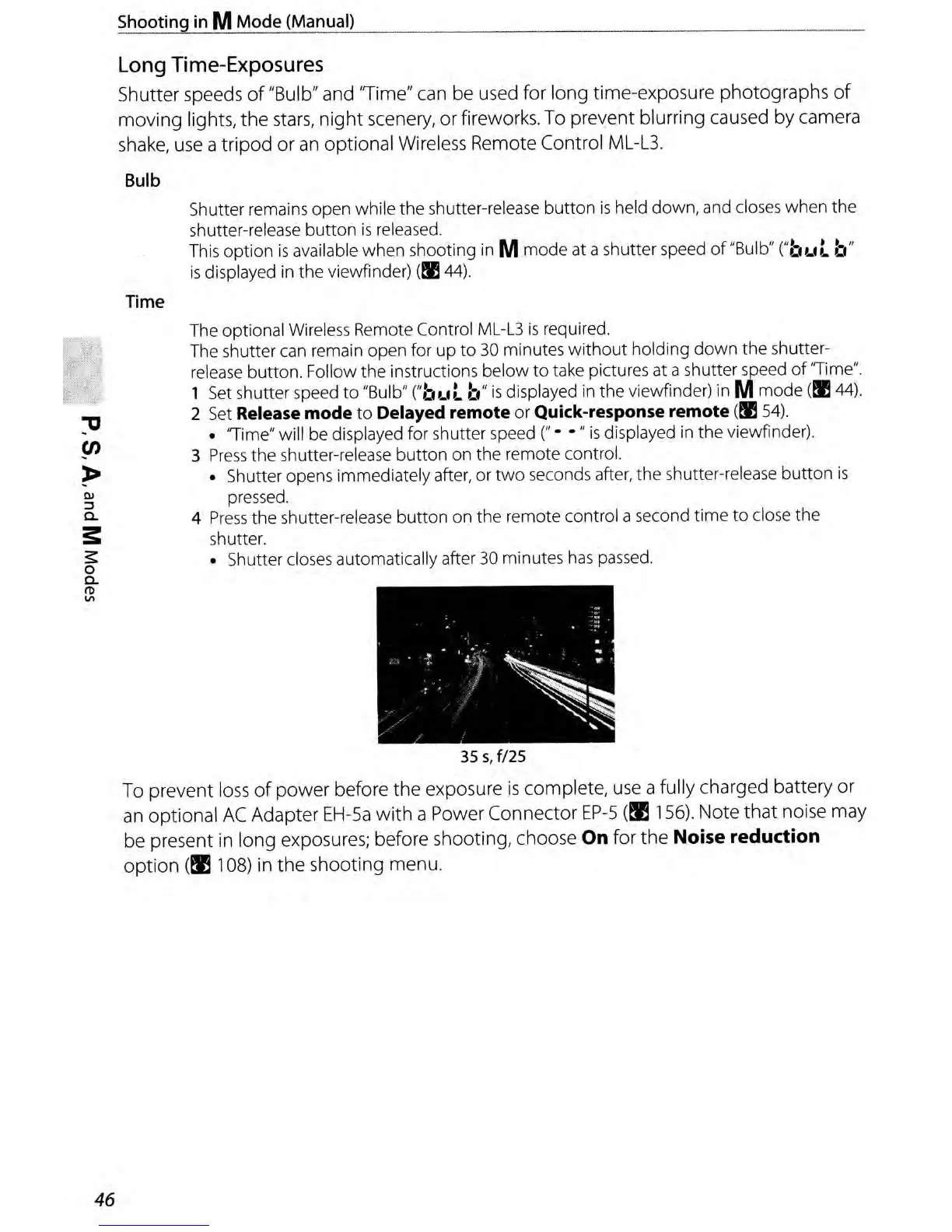
355,
fl2s
To prevent
loss
of
power
before
the
exposure
is
complete,
use
a fully charged battery or
an
optional
AC
Adapter
EH-5a
with
a Power Connector
EP-5
(~
156).
Note
that
noise may
be present
in
long exposures; before shooting, choose On for
the
Noise reduction
option
(~
108) in
the
shooting menu.



 To Next Page