Playback Options: The Playback
Menu
Stop-Motion Movie
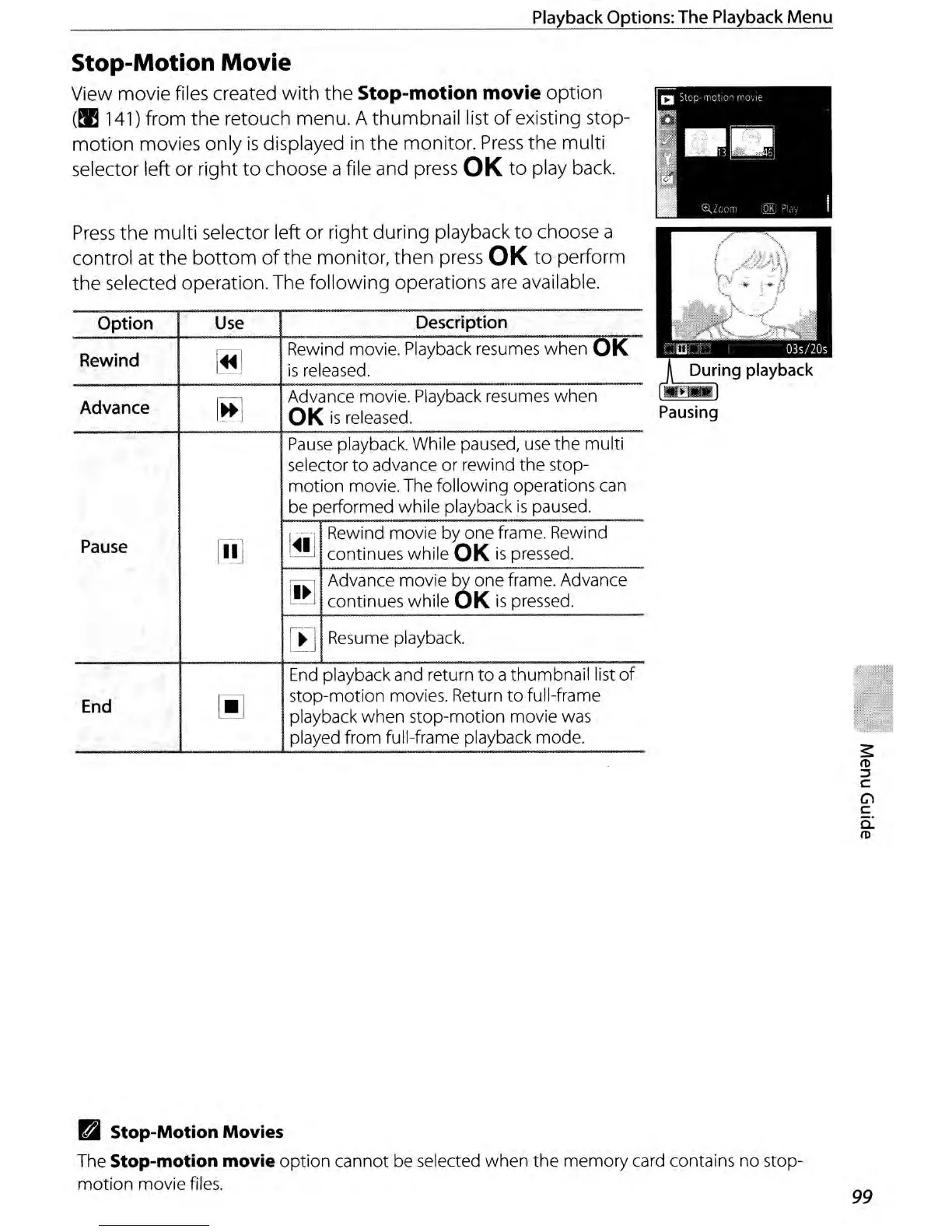
View movie files created with the Stop-motion movie option
(!Il141)
from the retouch menu. A thumbnail list
of
existing stop-
motion movies only
is
displayed
in
the monitor.
Press
the multi
selector left or right
to
choose a file and
press
OK
to
play
back.
Press
the multi selector left or right during playback
to
choose a
control at the
bottom
of
the monitor, then
press
OK
to
perform
the selected operation. The following operations
are
available.
Option
Use
Description
Rewind
~
Rewind movie. Playback resumes when OK
is
released.
Advance
~
Advance movie. Playback resumes when
OK
is
released.
Pause
playback. While paused,
use
the multi
selector
to
advance or rewind the stop-
motion movie. The following operations can
be performed while playback
is
paused.
Pause
1iI.1
~
Rewind movie by one frame. Rewind
continues while
OK
is
pressed.
[ffi
Advance movie by one frame. Advance
l_~
continues while OK
is
pressed.
[~
Resume playback.
End
playback and return
to
a thumbnail list
of
End
~
stop-motion movies. Return
to
full-frame
playback when stop-motion movie was
played from full-frame playback mode.
II
~ing
playback
Pausing
D Stop-Motion Movies
The Stop-motion movie
option
cannot be selected when the memory card contains no stop-
motion
movie files.
99



 To Next Page