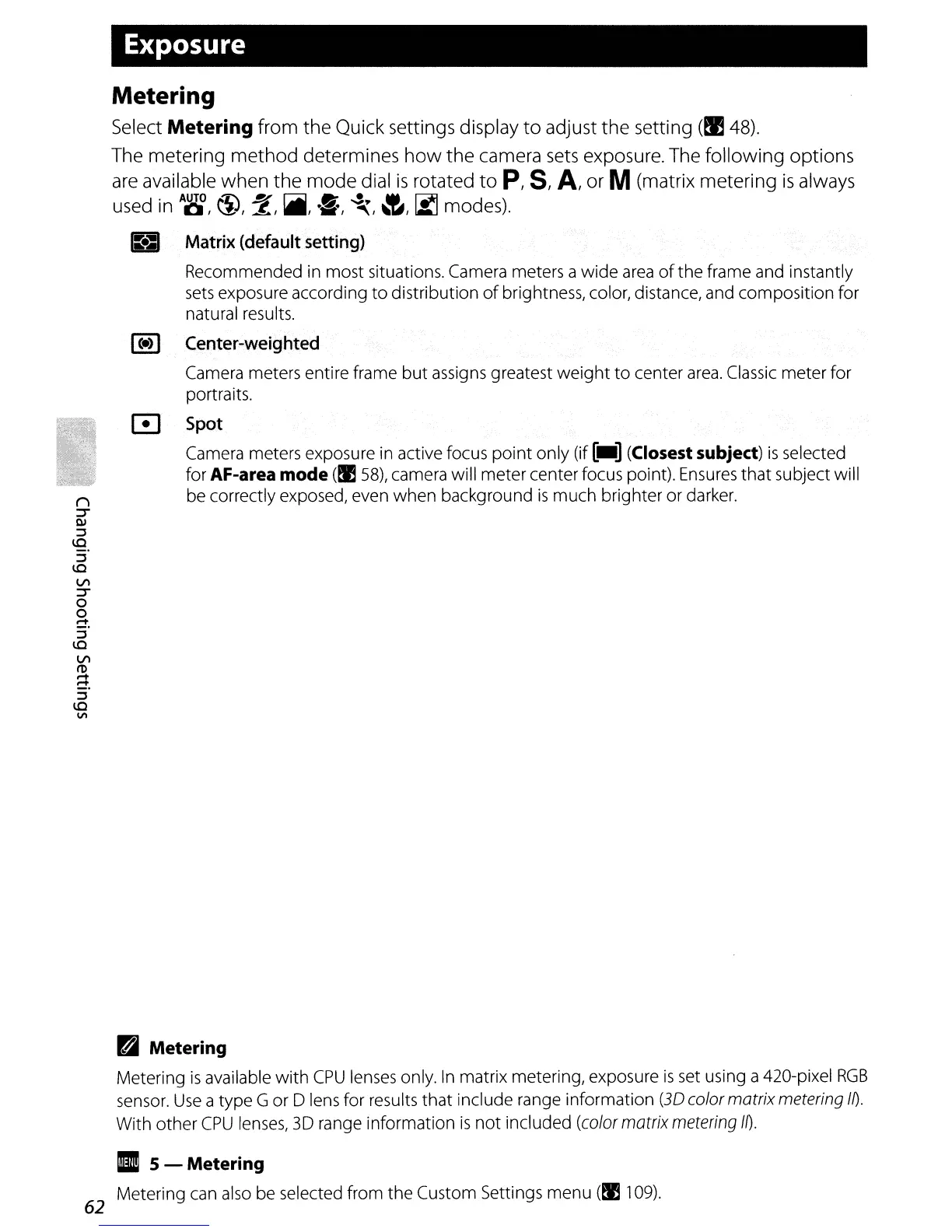
Exposure
Metering
Select Metering from the Quick settings display
to
adjust the setting
(~
48).
The metering method determines
how
the camera
sets
exposure. The following options
are
available when the mode dial
is
rotated
to
p,
8,
A,
or M(matrix metering
is
always
d
·
AUTO
~1)
~
r:;:;jjjjJ
•
...,~
....
~
d)
use
In
01,
\.:l::, ~,
.,
••
',
~,~""W,
IA.J
mo
es.
B
Matrix
(default
setting)
Recommended in most situations. Camera meters a
wide
area
of
the
frame and instantly
sets
exposure according
to
distribution
of
brightness, color, distance, and composition for
natural results.
I
(.)
I
Center-weighted
Camera meters entire frame
but
assigns greatest
weight
to
center
area.
Classic meter for
portraits.
o
Spot
Camera meters exposure in active focus
point
only (if
[_]
(Closest subject)
is
selected
for
AF-area mode
(!lS8),
camera will meter center focus point). Ensures
that
subject will
be correctly exposed, even
when
background
is
much
brighter or darker.
B Metering
Metering
is
available
with
CPU
lenses only.
In
matrix metering, exposure
is
set using a 420-pixel
RGB
sensor.
Use
a type G or D lens for results
that
include range information
(3D
color matrix metering
m.
With
other
CPU
lenses, 3D range information
is
not
included (color matrix metering
m.
II
5 - Metering
Metering can also be selected from
the
Custom Settings menu
(I!
109).
62



 To Next Page