Custom Settings
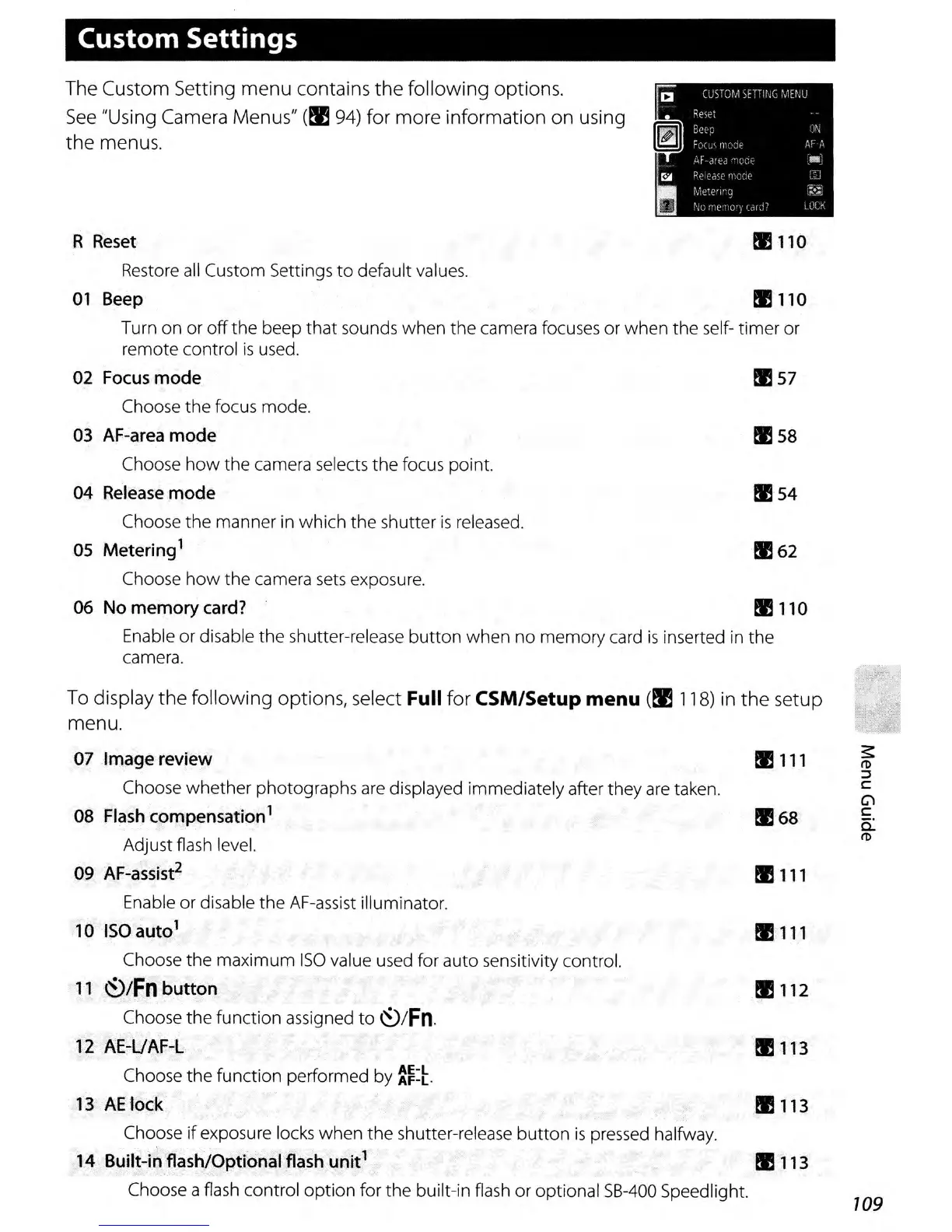
The Custom Setting menu contains the following options.
See
"Using Camera Menus"
(~
94)
for more information on using
the menus.
R
Reset
!E
110
Restore
all
Custom Settings
to
default values.
01
Beep
!E
110
Turn on or
off
the
beep
that
sounds when the camera focuses or when the self- timer or
remote control
is
used.
02
Focus
mode
!E
57
Choose
the
focus mode.
03 AF-area mode
!E
58
Choose
how
the camera selects the focus point.
04 Release mode
!E
54
Choose the manner in which
the
shutter
is
released.
05 Metering
1
!E
62
Choose
how
the camera
sets
exposure.
06 No memory
card?
!E
110
Enable or disable the shutter-release
button
when
no
memory card
is
inserted
in
the
camera.
To
display the following options, select Full for CSM/Setup menu
(~
118)
in the setup
menu.
07 Image review
Choose
whether
photographs
are
displayed immediately after they
are
taken.
08
Flash
compensation
1
Adjust flash level.
09
AF-assist
2
Enable or disable the AF-assist illuminator.
10
ISO
auto
1
Choose the maximum
ISO
value used for auto sensitivity control.
11
~/Fn
button
Choose
the
function assigned
to
~/Fn.
12 AE-UAF-L
Choose
the
function performed by
~~:~.
13
AE
lock
Choose
if
exposure locks
when
the
shutter-release
button
is
pressed halfway.
14 Built-in flash/Optional
flash
unit
1
Choose a flash control
option
for the built-in flash or optional
SB-400
Speedlight.
!E
111
~
I1l
::J
C
Cl
!E68
c
c:
I1l
!E
111
!E
111
!E
112
!E113
!E113
!E
113
109



 To Next Page