Protecting Photographs from Deletion
In
full-frame, zoom, and thumbnail playback,
~~l
(0-...)
can
be
used
to
protect
photographs from accidental deletion. Protected files cannot be deleted using
iID
or the
Delete option
in
the playback menu.
Note that protected files will
be
deleted when the memory card
is
formatted (tvj24).
1 Choose a photograph.
Display the desired photograph in full-frame, or
use
the multi selector
to
highlight it in the
thumbnail list.
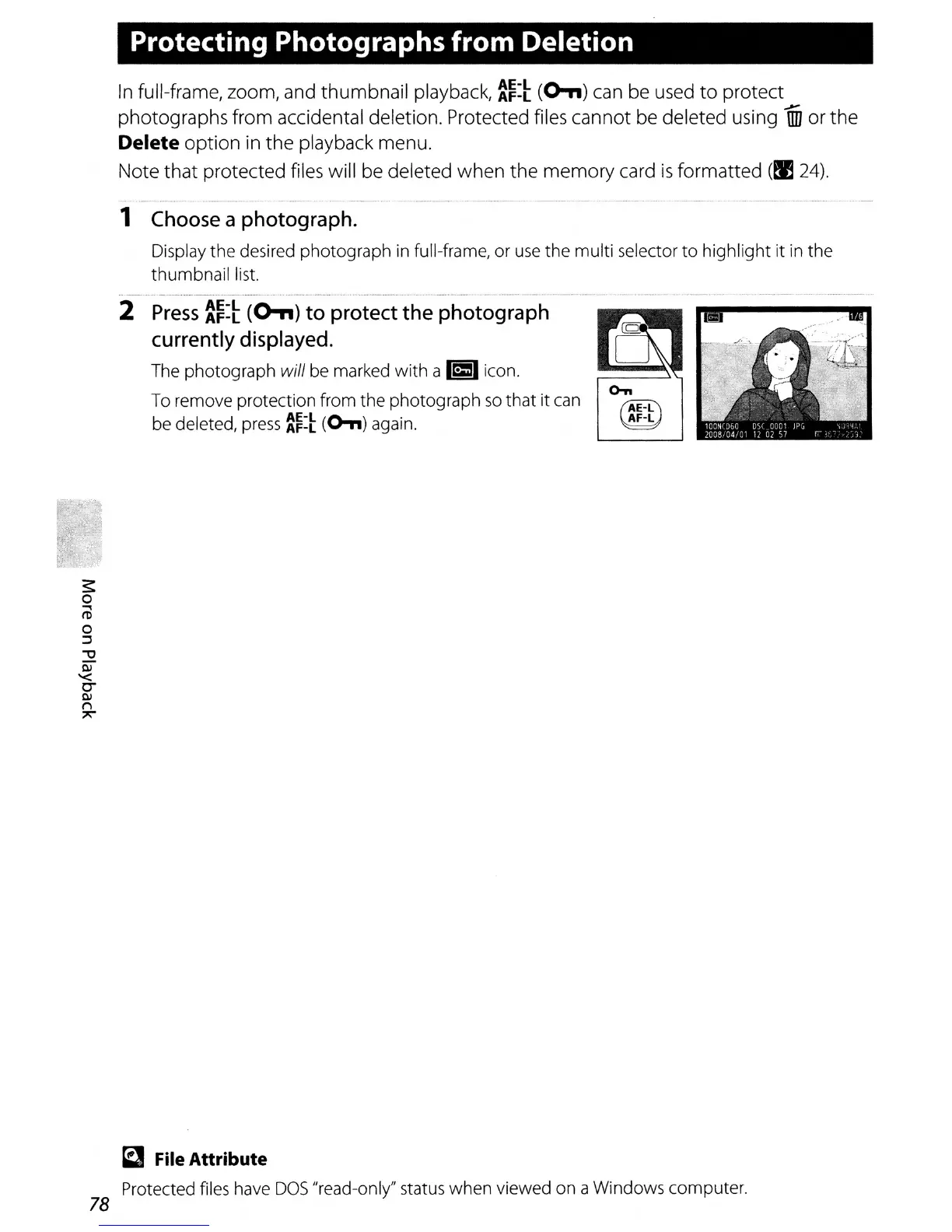
2 Press
:~=t
(0-,,)
to
protect
the
photograph
currently displayed.
The photograph will
be
marked
with
a
~
icon.
To remove protection from the photograph
so
that it can
be deleted,
press
~~:~
(0,,)
again.
0-..
(AE-l)
AF-L
a File Attribute
Protected files have
DOS
"read-only" status when viewed on a Windows computer.
78



 To Next Page