89Menu Guide / Custom Settings
11: Exposure Comp. (P, S, A, and M Modes Only)
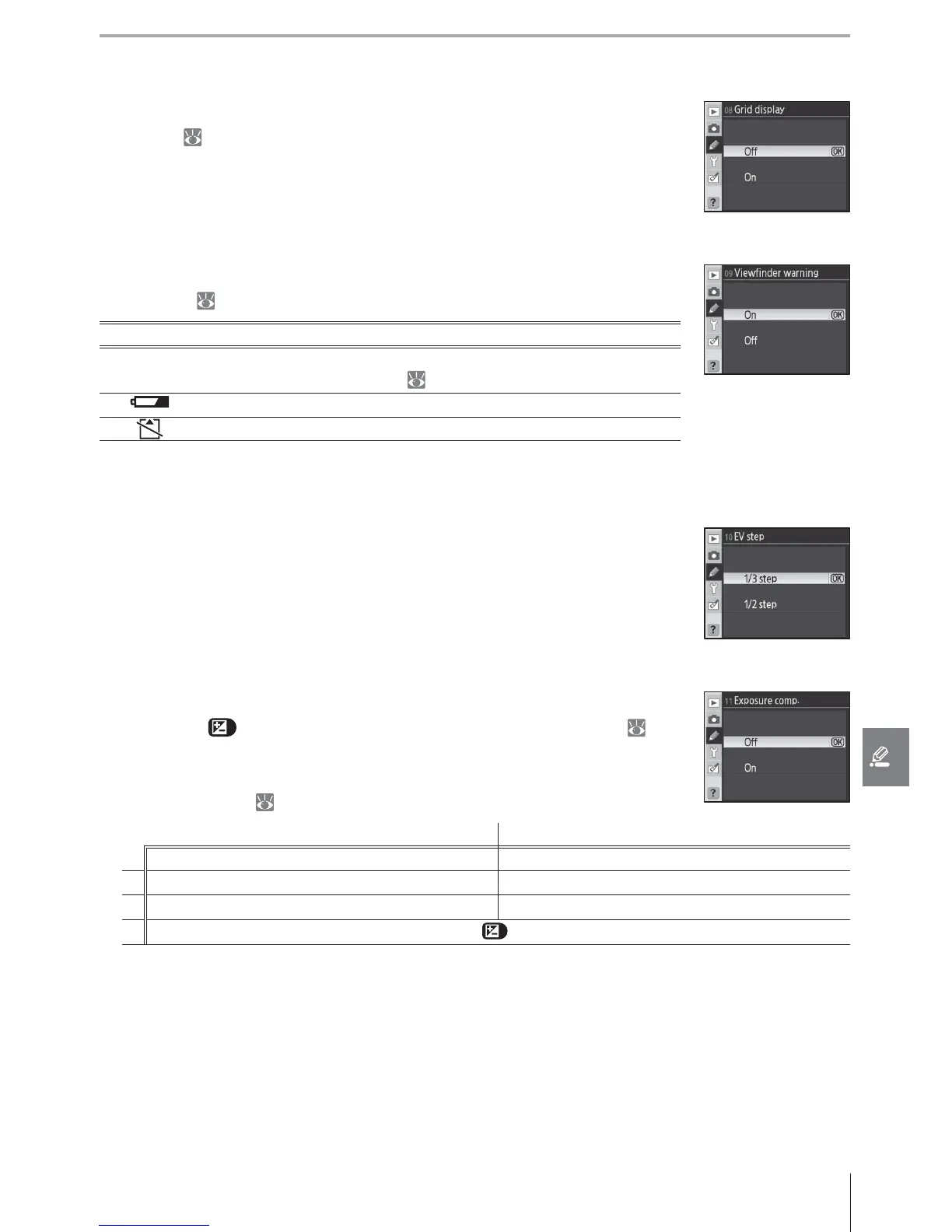
If Off (the default option) is selected, exposure compensation is set by
pressing the button and rotating the main command dial ( 54).
Select On to set exposure compensation using only a command dial.
The dial used depends on the option selected for Custom Setting 15
(Command dials; 91):
Custom Setting 15 (Command dials): O Custom Setting 15 (Command dials): On
Mode
P Sub-command dial Sub-command dial
S Sub-command dial Main command dial
A Main command dial Sub-command dial
M Exposure compensation set by pressing
button and rotating main command dial
If On is selected, the 0 at the center of the exposure display will blink even when exposure
compensation is set to ±0. This option is not available in mode M.
8: Grid Display (All Modes)
Select On to display grid lines in the viewfi nder to assist in framing pho-
tographs ( 6). The default option is Off .
9: Viewfi nder Warning (All Modes)
Select On (the default option) to display the following warnings in the
viewfi nder ( 6):
Warning Description
B/W
Displayed when Black-and-white is selected for Optimize im-
age in the shooting menu ( 81).
Displayed when the battery is low.
Displayed when no memory card is inserted.
No warnings are displayed when Off is selected.
10: EV Step (All Modes)
Choose whether adjustments to shutter speed, aperture, and bracket-
ing are made in increments equivalent to / EV (1/3 step, the default
option) or / EV (1/2 step).



 To Next Page