26 Tutorial: Basic Playback
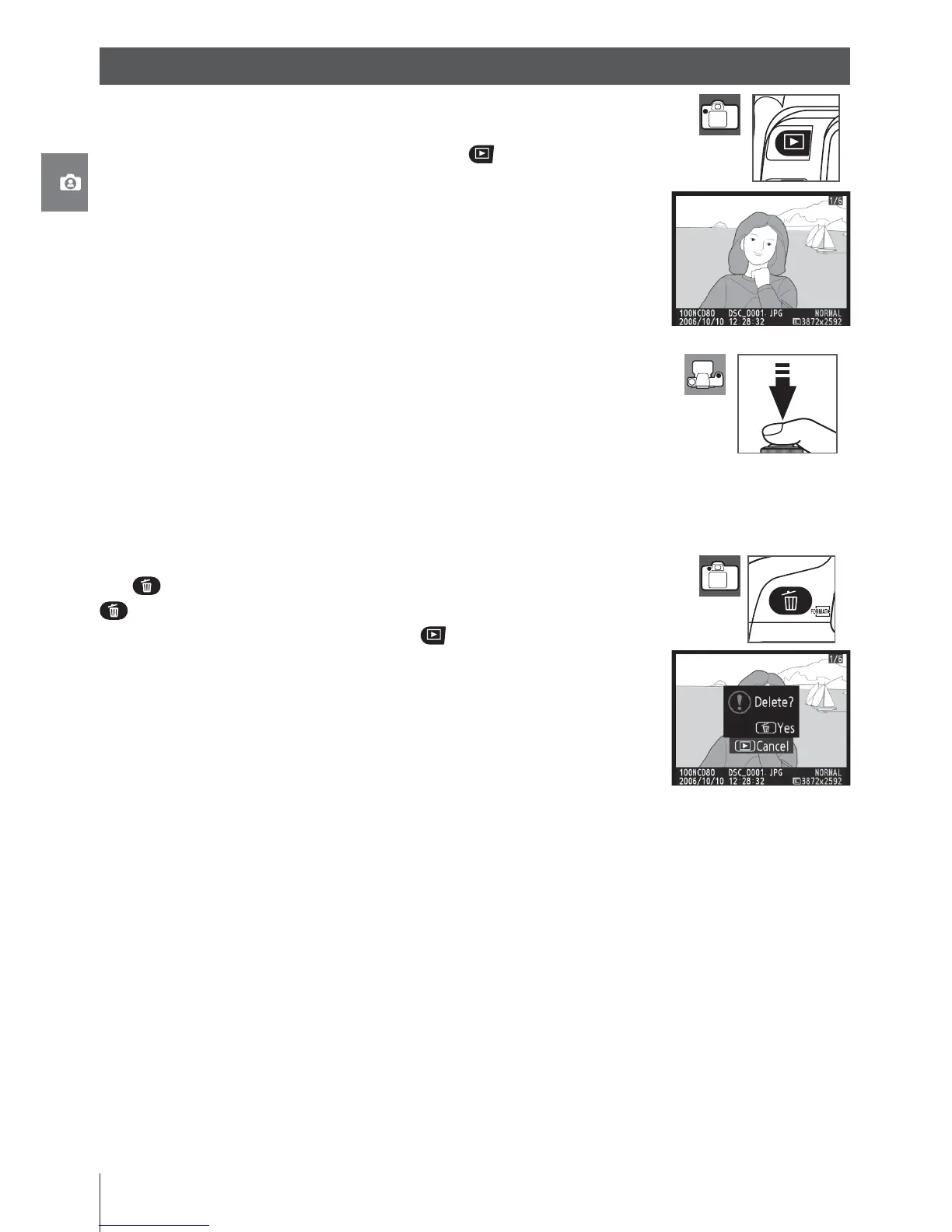
Photographs are automatically displayed for about four seconds af-
ter shooting. If no photograph is displayed in the monitor, the most
recent picture can be viewed by pressing the button. Additional
pictures can be displayed by rotating the main command dial or
pressing the multi selector left or right.
To end playback and return to shooting mode, press the shutter-
release button halfway.
Deleting Unwanted Photographs
To delete the photograph currently displayed in the monitor, press
the
button. A confi rmation dialog will be displayed. Press the
button again to delete the image and return to playback. To exit
without deleting the picture, press the button.
Basic Playback



 To Next Page