78 Menu Guide / Playback Options: The Playback Menu
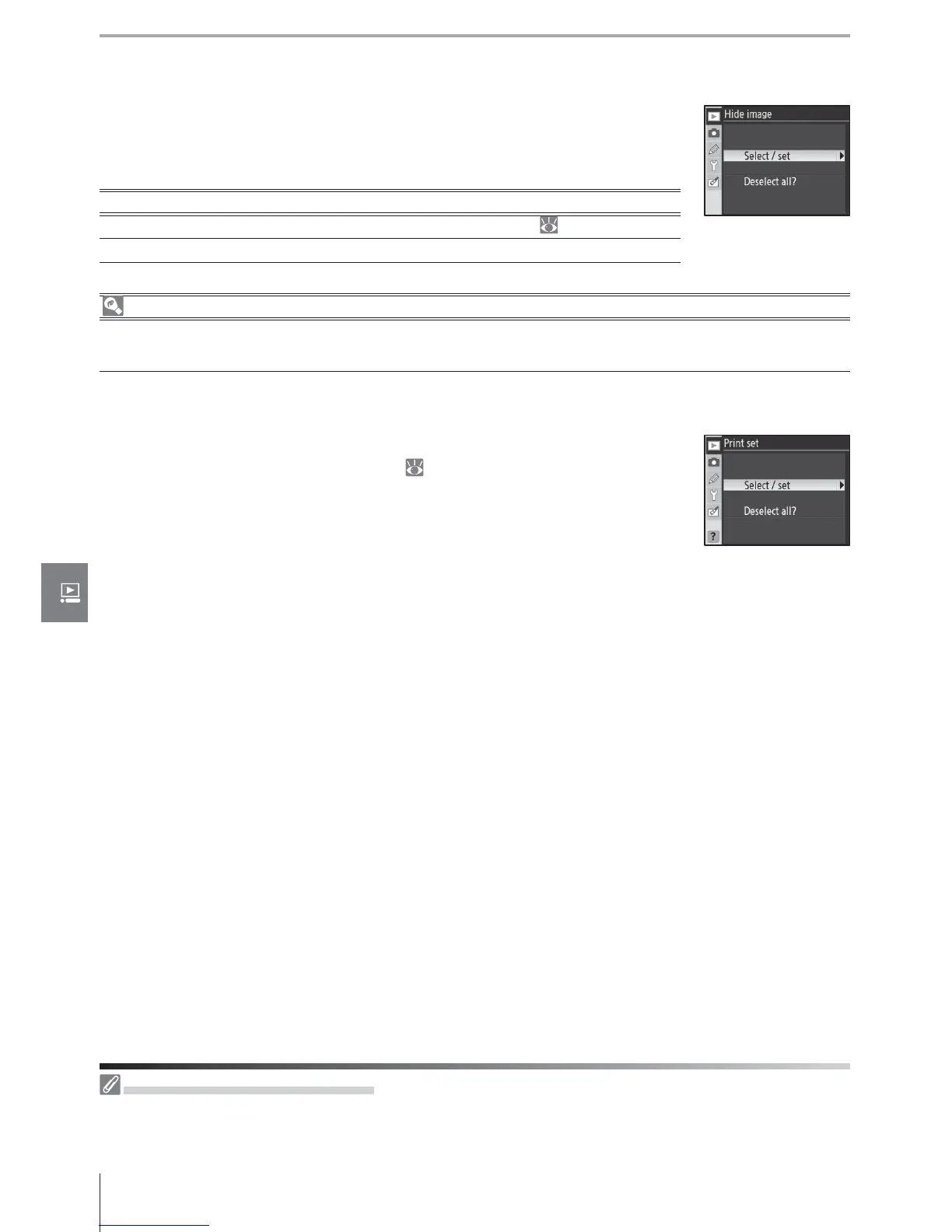
Hide Image
Hide or reveal selected photographs. Hidden images are visible only
in the Hide Image menu, and can only be deleted by formatting the
memory card.
Option Description
Select/set Hide or reveal selected photographs ( 74).
Deselect all? Reveal all photographs.
File Attributes for Hidden Images
Hidden images have “hidden” and “read-only” status when viewed on a Windows computer. In the
case of “NEF + JPEG” images, this marking applies to both NEF (RAW) and JPEG images.
Print Set
Choose Select / set to select photographs for printing on a PictBridge
printer or DPOF-compatible device ( 73). Choose Deselect all? to
remove all photos from the current print order.
Protected and Hidden Images
Revealing an image that is both hidden and protected will simultaneously remove protection from
the image.



 To Next Page