98 Menu Guide / Custom Settings
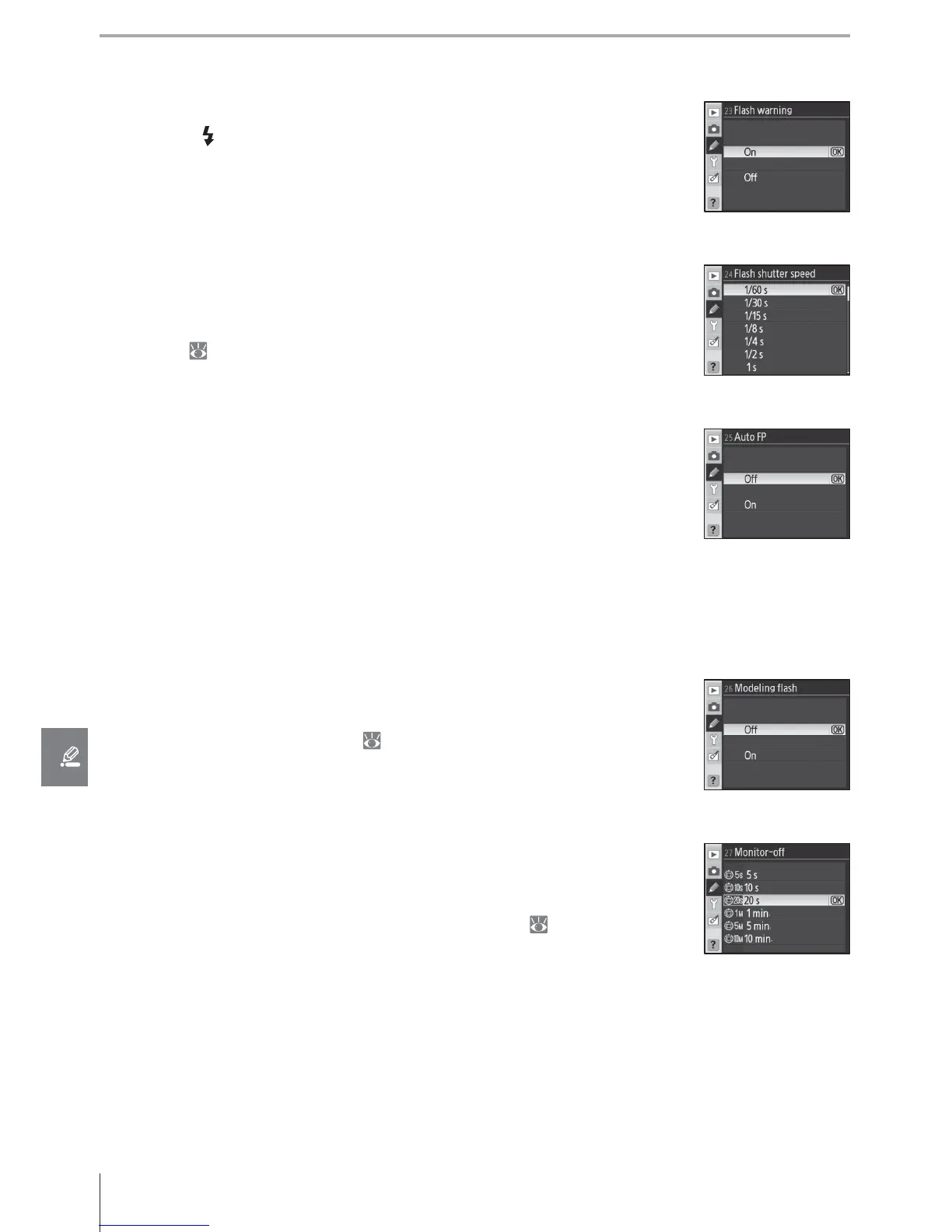
23: Flash Warning (P, S, A, and M Modes Only)
If On (the default setting) is selected and lighting is poor, the fl ash-
ready light ( ) will fl icker in the viewfi nder when the shutter-release
button is pressed halfway to warn that the built-in fl ash is required. No
warning will be displayed if Off is selected.
24: Flash Shutter Speed (P, S, A, and M Modes Only)
Choose the slowest shutter speed at which the fl ash will be used in
modes P and A (the default setting is 1/60 s). Regardless of the setting
chosen, the fl ash will fi re at shutter speeds as slow as 30 s when set to
slow sync ( 41).
25: Auto FP (P, S, A, and M Modes Only)
Select On to activate Auto FP High-Speed Sync when using the op-
tional SB-800, SB-600, or SB-R200 fl ash units at shutter speeds faster
than / s (because the actual shutter speed may be slightly slower
than displayed in P and A modes, Auto FP may not always be activated
at a shutter speed of / s). Choose to enable fi ll fl ash when taking
portraits under bright light or when taking photographs at Large aper-
tures. Auto FP High-Speed Sync is not available when using the built-in
fl ash. The default setting is Off .
26: Modeling Flash (P, S, A, and M Modes Only)
If On is selected, the built-in fl ash and optional SB-800, SB-600, and SB-
R200 fl ash units will emit a modeling fl ash when the camera depth-of-
fi eld preview button is pressed ( 49). The default setting is Off .
27: Monitor-Off (All Modes)
Choose how long the monitor remains on when no operations are per-
formed (the default setting is 20 s). Choose a shorter monitor-off delay
for longer battery life. Regardless of the setting chosen, the monitor
remains on for four seconds during image review (
88) and for ten
minutes when the camera is powered by an optional EH-5 AC adapter.



 To Next Page