40 Reference: More on Photography (All Modes) / Using the Built-in Flash
Using the Built-in Flash
The camera supports a variety of fl ash modes for photographing poorly lit or backlit sub-
jects.
Using the Built-in Flash:
, , , and Modes
1
Rotate the mode dial to select the desired mode.
2
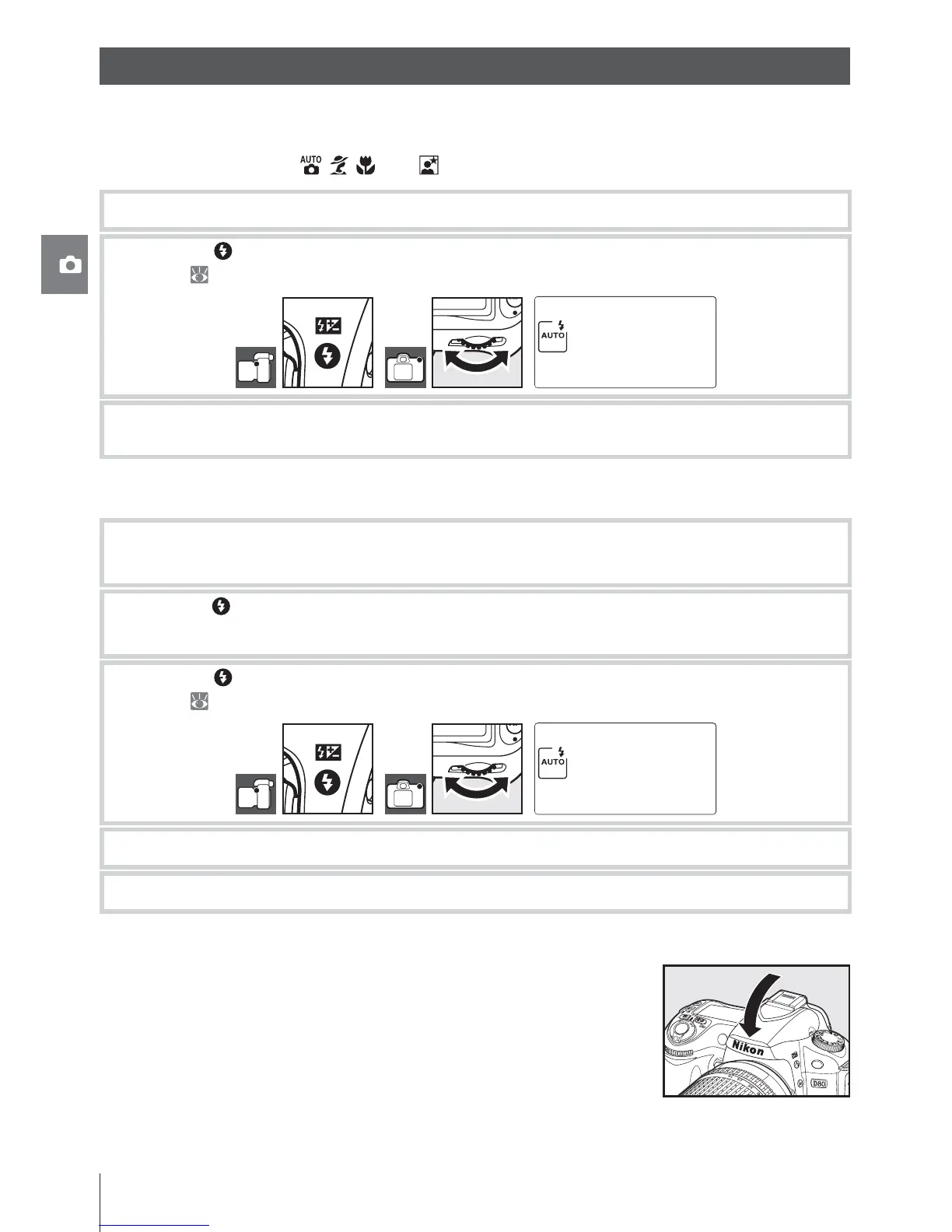
Press the button and rotate until the desired fl ash mode is displayed in the control
panel (
41).
3
Take pictures. The fl ash will pop up as required when the shutter-release button is
pressed halfway, and fi re when a photograph is taken.
Using the Built-in Flash: P, S, A, and M Modes
1
Rotate the mode dial to select the desired mode.
2
Press the button to raise the fl ash.
3
Press the button and rotate until the desired fl ash mode is displayed in the control
panel ( 41).
4
Select a metering method and set exposure.
5
Take pictures. The fl ash will fi re whenever a picture is taken.
Lowering the Built-in Flash
To save power when the fl ash is not in use, press it gently down-
ward until the latch clicks into place.



 To Next Page