102 Menu Guide / Basic Camera Settings: The Setup Menu
3
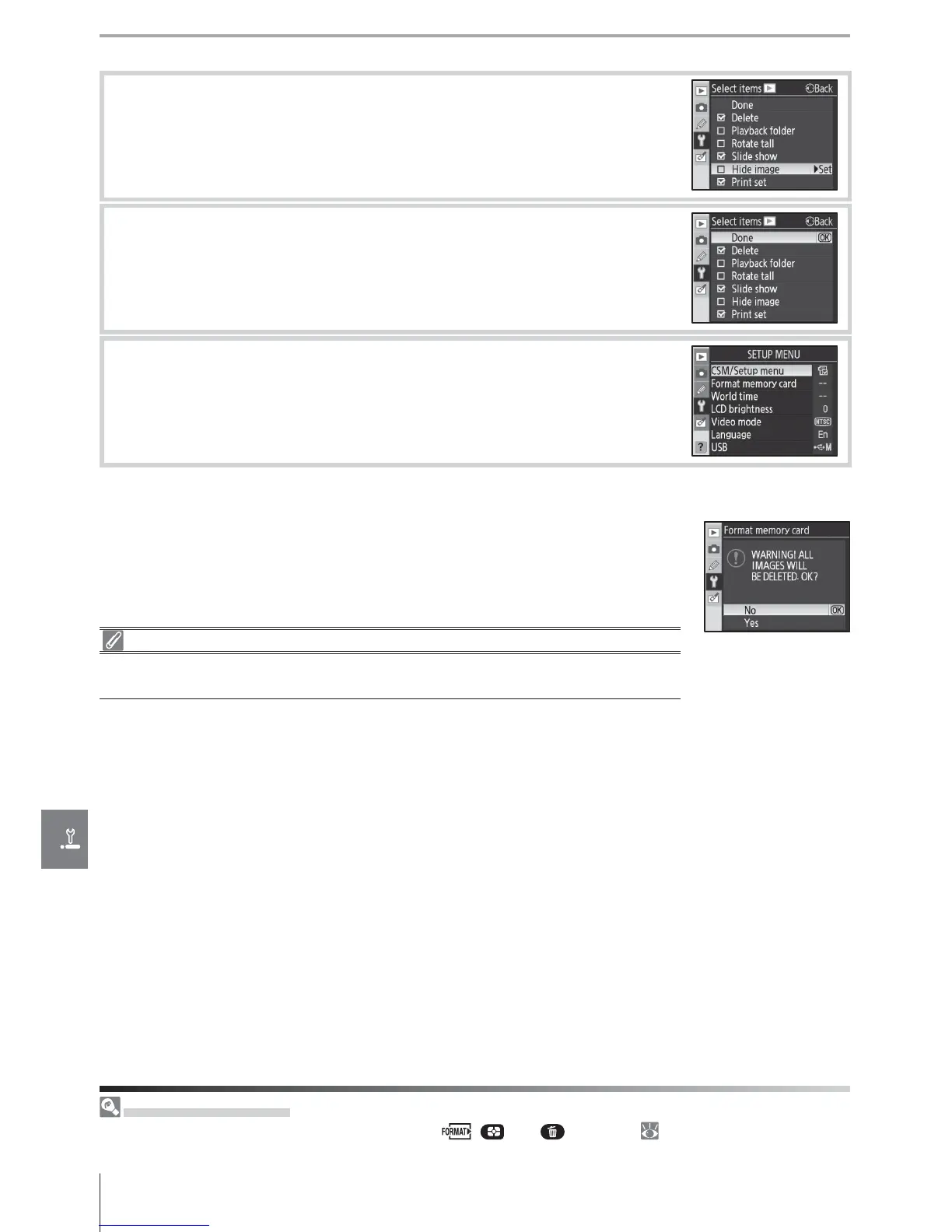
Press the multi selector up or down to highlight items and then
press to the right to select or deselect. Selected items are indi-
cated by a check mark.
4
Highlight Done and press OK to return to the list of menu names
shown in Step 1. Repeat steps 2–3 to edit additional menus.
5
Highlight Done in the list of menu names and press OK to return
setup menu.
Format Memory Card
Select Ye s to format the memory card. Note that this permanently de-
letes all photographs and any other data the card may contain. Be sure
that any valued fi les have been copied to a computer before format-
ting.
Formatting Memory Cards
Do not turn the camera off or remove the memory card while formatting is in
progress.
Two-Button Format
Memory cards can also be formatted with the ( and ) buttons ( 44).



 To Next Page